Inserting or replacing batteries
1. Open the battery compartment
11
on the back of
the base unit
1
.
2. For battery replacement, remove the old batteries
first. Insert 2 batteries
25
(size: AA, provided) into
the battery compartment.
Pay attention to the correct battery polarity (+ or -).
3. Close the battery compartment.
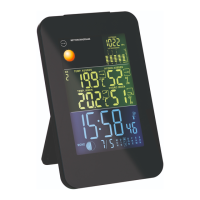
The display
2
will turn on and an alarm tone will
sound once the batteries have been inserted. Wait
for about 30 minutes. During this time the base unit
gathers the weather data and receives the time sig-
nals (see chapter “Searching for signals”).
AC power supply operation
CAUTION!
Risk of damage!
If the weather station is connected to a
power socket, it operates from the AC
power supply even if batteries are inserted.
Remove any batteries from the base unit as
they may leak and damage the unit.
1. Connect the output plug
23
of the power adaptor
24
to the DC input jack
10
of the base unit
1
.
2. Connect the power adaptor to a socket. Only connect
the power adaptor to an AC power supply
(100 -240 V AC, 50/60 Hz).


 To Next Page