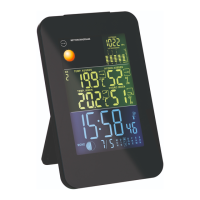
27
43 45 46 4748 49
50
51
52
44
29
B
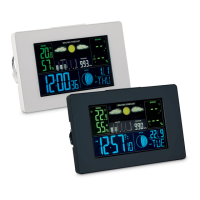
A = Horizontal version, B = Vertical version
43
MAX and MIN icons
44
Temperature (°C/°F)
45
Humidity (%)
46
Dropping icon
47
Low battery (radio sensor)
48
Radio sensor number
49
Reception icon
50
Sensor change icon
51
Rising icon
52
Low battery (base unit)
Switching between radio sensors
If more than one radio sensor is used:
1. Press the CH button
7
once to switch to radio
sensor 2. The radio sensor number
48
will change
to “2” and the outdoor weather display area
29
will
only show the data sent by radio sensor 2.


 To Next Page