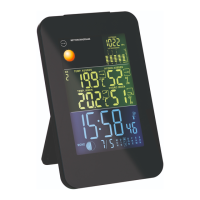
DAY
DAY DATE MONTH
34
33
35 36 37
38
39
40
41
41
42
42
31
31
A
B
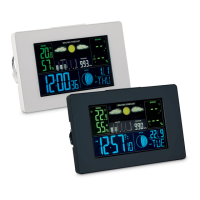
A = Horizontal version, B = Vertical version
34
PM time (12-hour format)
35
Time (hours, minutes, seconds)
36
Time signal
37
Snooze
38
Time zone
39
Summer time
40
Alarm 1 and alarm 2
41
Day and month
42
Day of the week
Alarms
The alarm clock allows 2 alarm times to be set.
To set the alarm times:
1. Press the SET button
5
to select an alarm setting
(indicated by “A1” or “A2” in the clock and alarm
display area
33
).


 To Next Page