6
4 IOS APP CONTROLS
We assume in this chapter that the app is running on your smart phone or tablet and that you are
connected to the camera via your Wi-Fi network.
4.1 OVERZICHT IOS APP.
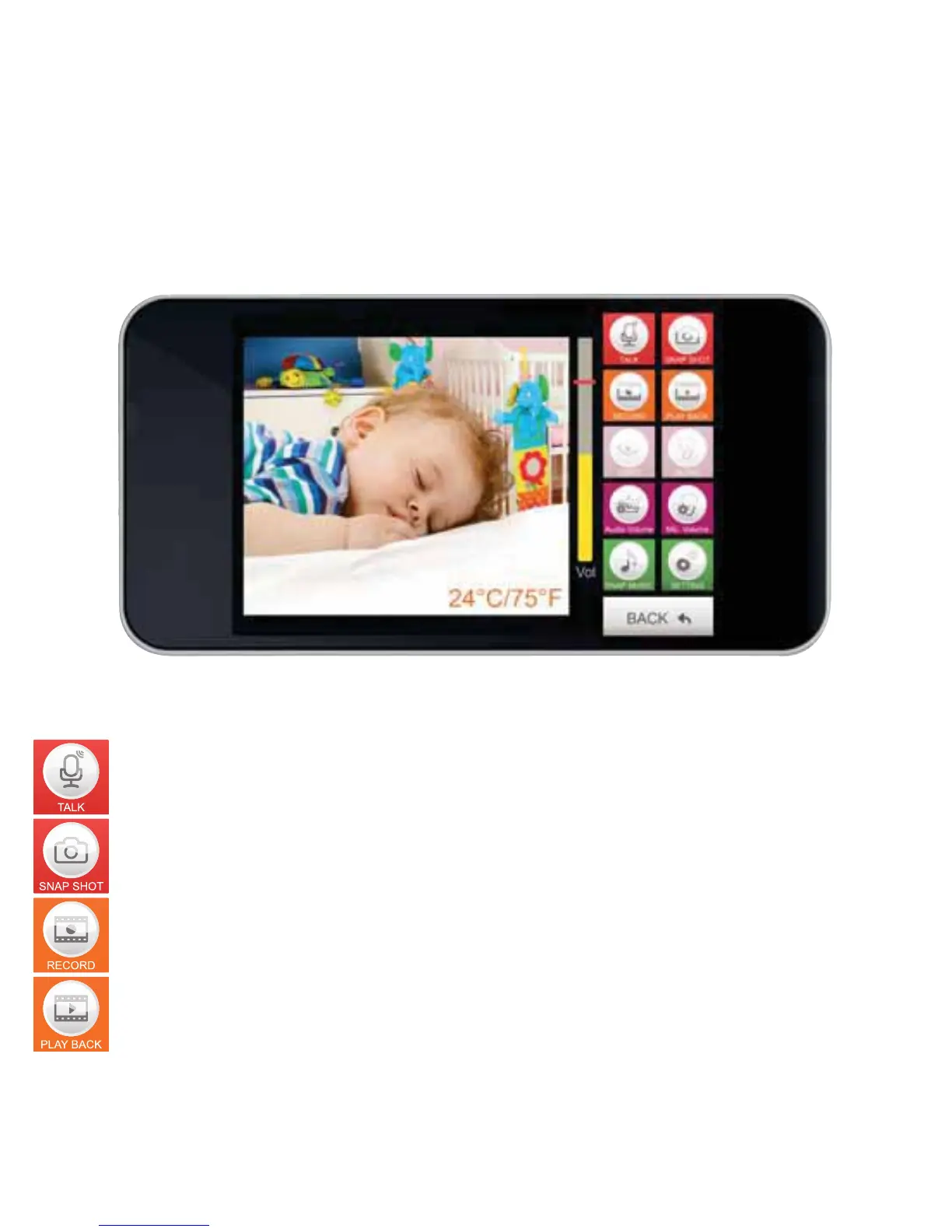
Press this button to talk through the camera. Your voice will be heard from the camera.
(Only available when using an internal Wi-Fi network connection).
Press this button to take a photo of the screen.
Press this button to start video recording.
Press this button to play and view recorded videos.


 To Next Page