7
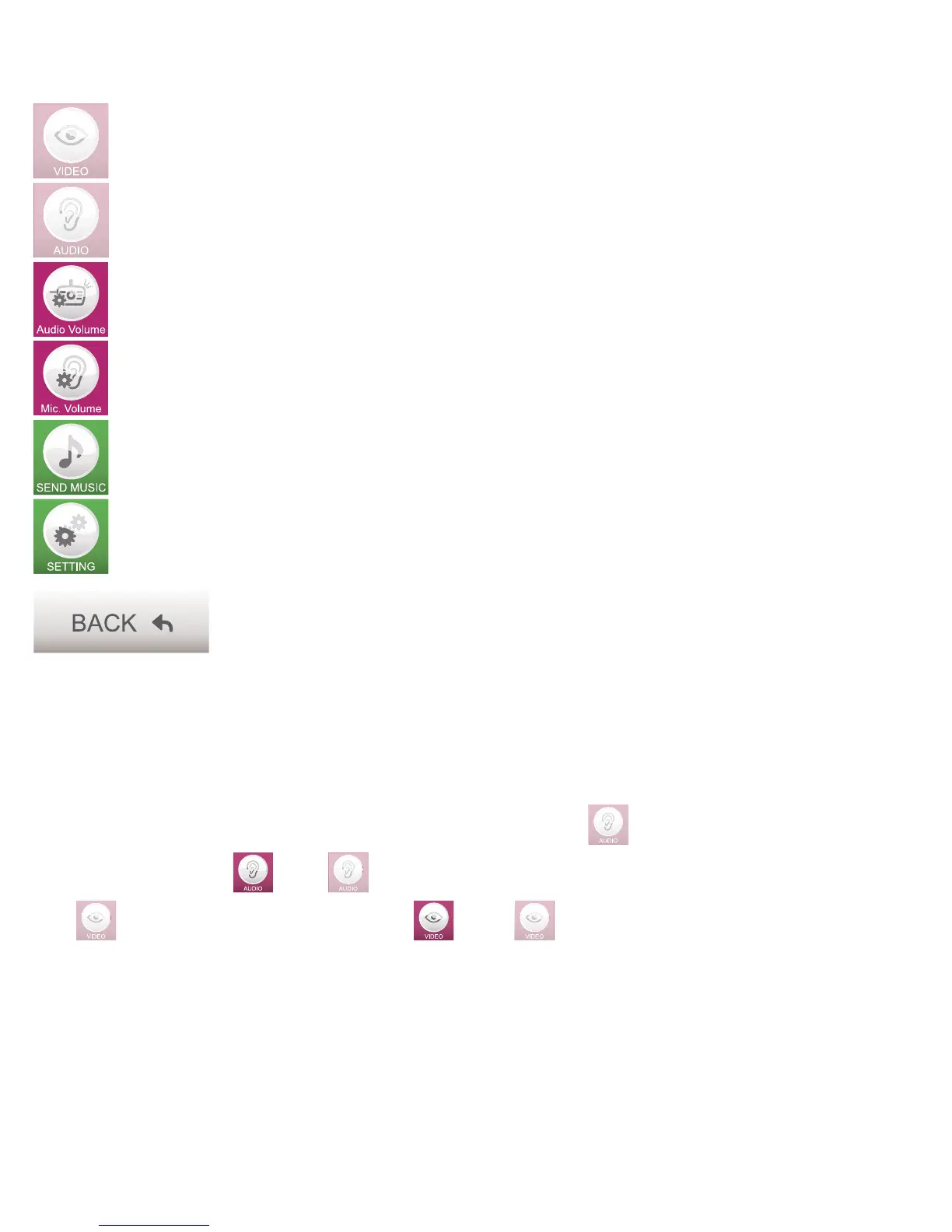
Button to turn off the display. The other functions will continue to operate.
Key to turn off receiving audio from the camera. The other functions will continue to
operate.
Button to adjust the speaker volume of the camera.
Button to adjust the microphone sensitivity of the camera.
Button to select and to play (baby) music through the camera.
(Only available when using an internal Wi-Fi network connection).
Button to adjust advanced settings from the menu.
Button to return back to the previous menu.
4.2 FUNCTION KEYS DURING USAGE.
Audio and video playback:
The video and audio playback will be active when starting the app.
The keys are dimmed to indicate that they are on. Pressing this
button will switch the sound of
the baby’s room either on or off.
This
button will switch the video either on or off.
If the notifi cation alert is set up and running, it will continue to work regardless of the above given
functions.



 To Next Page