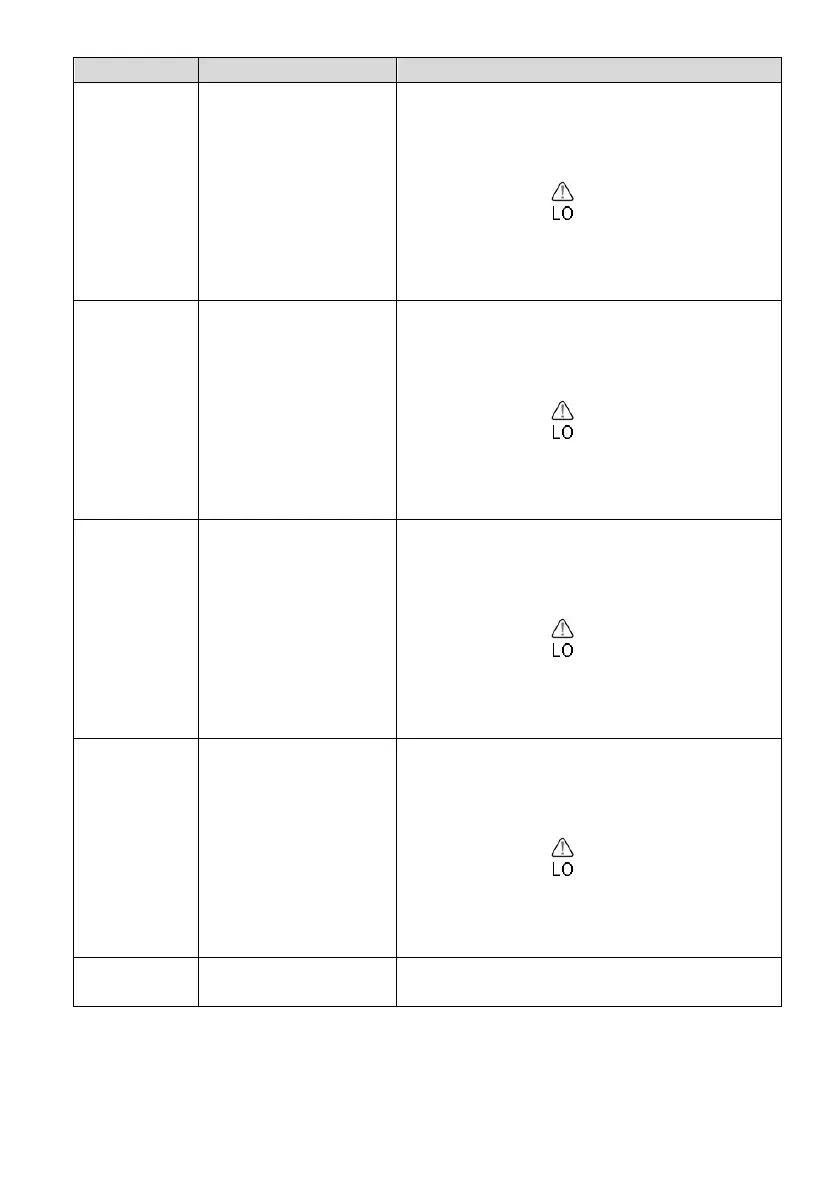
Alarm Low Indoor
Temperature
Press [TEMP +] or [WIND - ]to adjust
alarm value up or down.
Press [RAIN/PRE] to turn the alarm on.
The alarm icon will appear.
Press [RAIN/PRE] to turn the alarm off.
The alarm icon will disappear.
Alarm Low Indoor
Humidity
Press [TEMP +] or [WIND -] to adjust
alarm value up or down.
Press [RAIN/PRE] to turn the alarm on.
The alarm icon will appear.
Press [RAIN/PRE] to turn the alarm off.
The alarm icon will disappear.
Alarm Low Outdoor
Temperature
Press[TEMP +] or [WIND -] to adjust
alarm value up or down.
Press [RAIN/PRE] to turn the alarm on.
The alarm icon will appear.
Press [RAIN/PRE] to turn the alarm off.
The alarm icon will disappear.
Alarm Low Outdoor
Humidity
Press [TEMP +] or [WIND -] to adjust
alarm value up or down.
Press [RAIN/PRE] to turn the alarm on.
The alarm icon will appear.
Press [RAIN/PRE] to turn the alarm off.
The alarm icon will disappear.
Exit alarm settings
mode.
[MODE] + 2 seconds means to press and hold the MODE button for 2
seconds.
[MODE] means to press the MODE button.
Table 9: Alarm mode sequence and commands summarization


 To Next Page