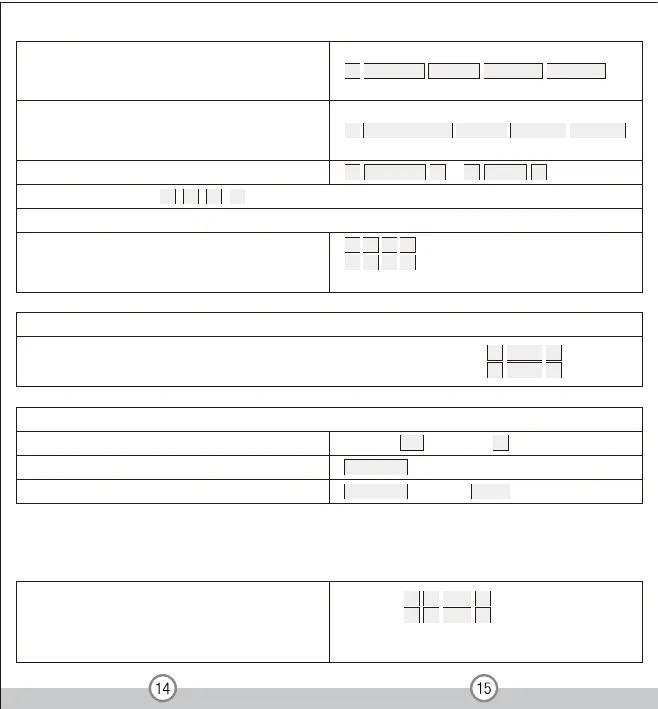
To unlock t he door (or change relay state)
For a PIN user
Enter the PIN then press #
For a card User
For a card and PIN user
Note: This is a dangerous option,
so use with care
To set Card user only
Card only Mode(in this mode, users can only be valid by card)
To delete ALL users
To change a PIN in card and PIN mode (Method 1)
Note that this is done outside programming mode so the
user can undertake this themselves
To change a PIN in card and PIN mode (Method 2)
Note that this is done outside programming mode so the
user can undertake this themselves
3 1 0 # , Zone 1
3 2 0 # , Zone 2
Entry is by Card only
Delete all users of Zone 1: 2 0 000 #
Delete all users of Zone 2: 9 0 000 #
weN # NIP # NIP weN # NIP dlO drac daeR *
weN # NIP # NIP weN # NIP dlO # rebmun DI resU *
2 Read card # or 2 User ID #
To set users for Zone 2 ( 3 2 1 # ) The operation is the same as Zone 1
To delete a Card and PIN user just delete the card
Read card
Read card then enter PIN #
11.2 Relay Setting ( Pu l se m ode, Toggl e m ode)
Pulse m od e (Fact or y d efaul t )
Pulse mode - Door relay time setting
For Zone 1: 4 1 1-99 #
For Zone 2: 4 2 1-99 #
The door relay time is between 1-99 seconds, the factory
default setting is 5 seconds


 To Next Page
 Loading...