www.aleratec.com
14
Using the DVD/CD Duplicator
Main Menu
Test
This function is a test process that simulates data being written to the DVD/
CD-R/RW disc, without actually burning a disc. When the test process is
complete, the DVD-R/RW or CD-R/RW discs will remain blank. For DVD-RW
or CD-RW discs that contain data, “Test” will quick erase all old data before
simulation. Therefore, never perform “Test” on DVD/CD-RW discs that contain
important data.
Note: Test is not supported by DVD+R/RW discs.
Press the 1. ENT button to start the disc simulation, or press ESC to exit.
Pressing ESC before the simulation is complete will not affect the DVD-R/
CD-R disc and they will still remain blank.
For DVD/CD-RW discs that contain data, Test will perform a Quick Erase 2.
before the actual testing. Thus, never run Test on DVD/CD-RW discs that
contain important data.
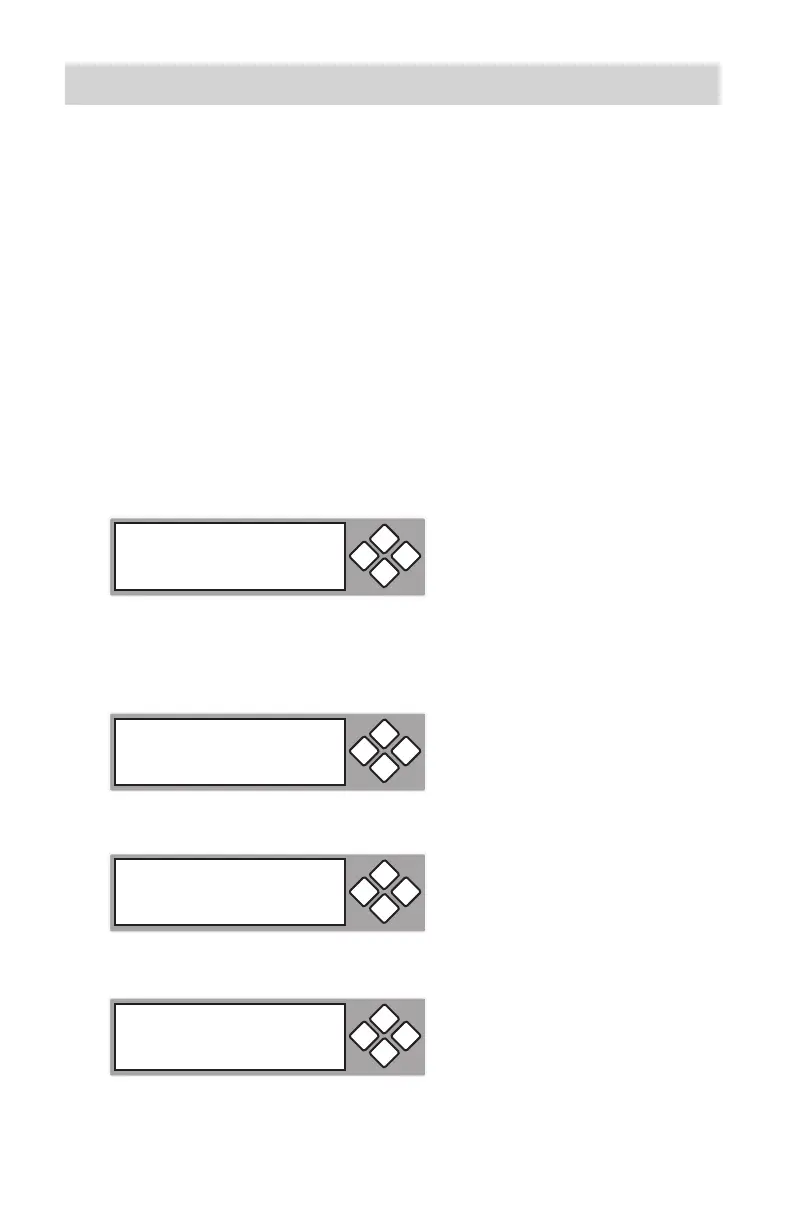
The LCD will display the status of the erasing and testing of the DVD/CD.3.
When the process is completed, the LCD will display the status.4.
2. Test
ESCENT
Erasing Disc
ESCENT
Testing 0%
650.0MB 74:00
ESCENT
2. Test
OK: 03
ESCENT



 To Next Page