www.aleratec.com
33
Using the DVD/CD Duplicator
Main Menu
Setup - continued
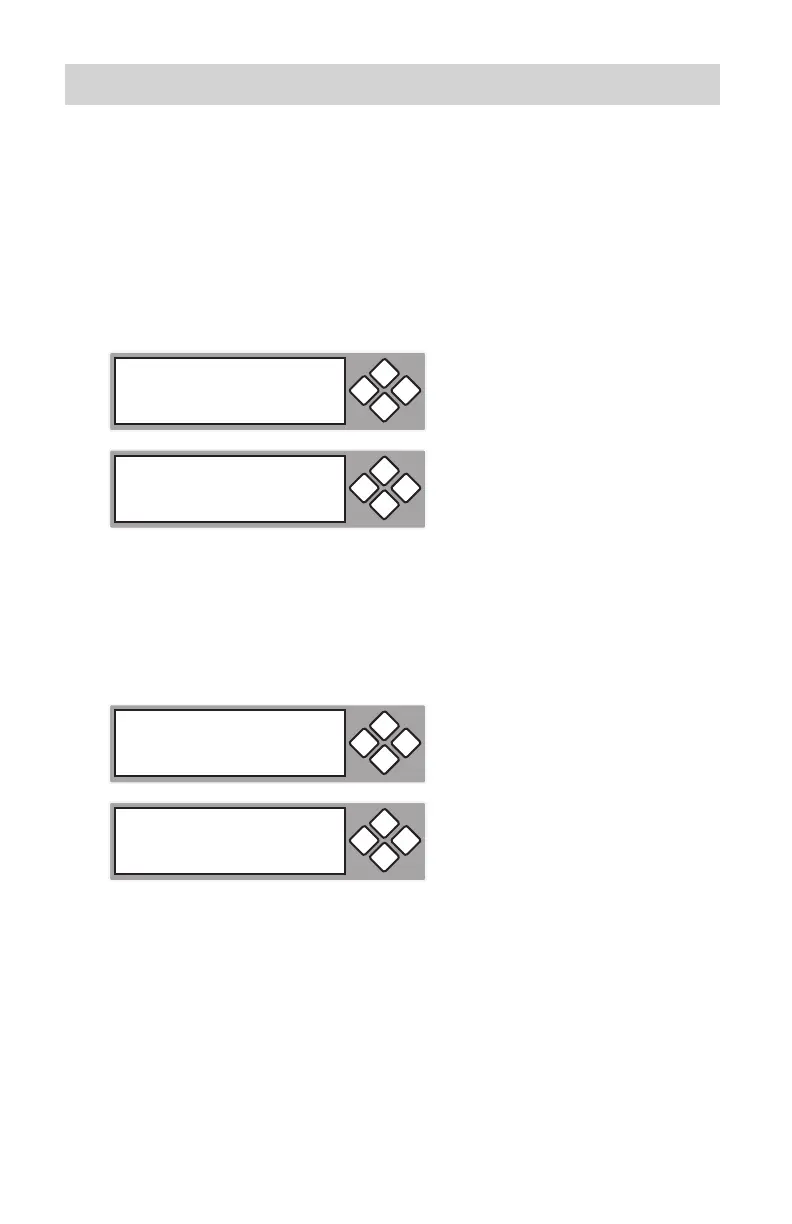
11.07 Auto Verify
This setting controls auto verify on the target discs.
Default setting is “Off”; press the 1. ENT button to change, or ESC to exit.
11.08 Auto Compare
This setting controls auto compare of data between source and target discs after
copying.
Default setting is “Off”; press the 1. ENT button to change, or ESC to exit.
11-07. Setup
Auto Verify
ESCENT
Auto Verify
Off
ESCENT
11-08. Setup
Auto Compare
ESCENT
Auto Compare
Off
ESCENT



 To Next Page