EasyManua.ls Logo

Aleratec 350117 - User Manual

Aleratec 350117
32 pages
Print Icon
To Next Page IconTo Next Page
Loading...
USER GUIDE
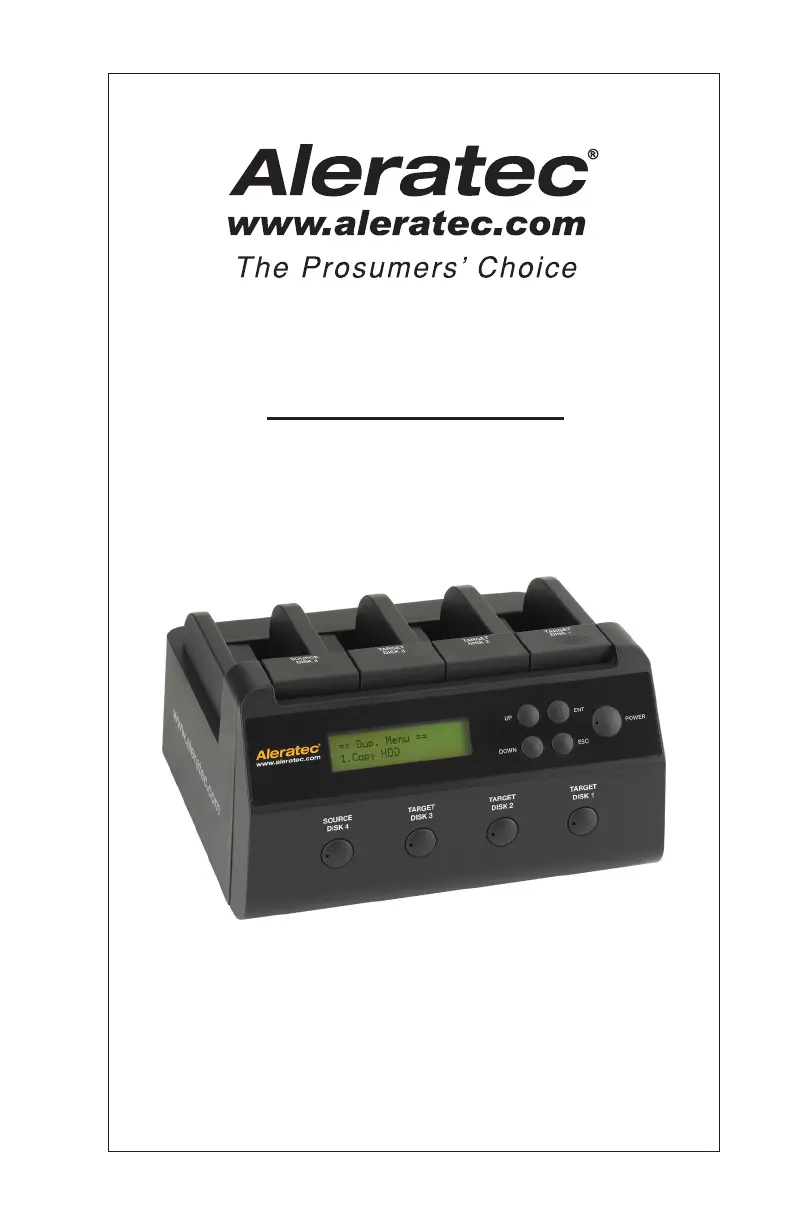
Aleratec
1:3 HDD Copy Dock Duplicator™
Part No. 350117

Questions and Answers

  • N
    Natalie NelsonJul 29, 2025
    What to do if my Aleratec 350117 Disc Duplicator shows error messages?
    • A
      Anna RileyJul 30, 2025
      If the Aleratec Disc Duplicator shows error messages, it might be that the operation was manually terminated. To resolve this, power the unit off, wait about ten seconds, and then reapply power.
  • Z
    Zachary RobinsonAug 13, 2025
    What to do if I have hard disk issues with my Aleratec Disc Duplicator?
    • M
      Michael DeanAug 13, 2025
      If you are experiencing issues with the hard disk on your Aleratec Disc Duplicator, verify that the drive is properly connected. Power off all HDDs, wait 10 seconds, and then power them back on.

Summary

Product Information and Safety

Copyright, Interference, and Safety Guidelines

Covers copyright, FCC interference, and general safety regulations.

Precautions and Location Advice

Details installation, operation, transportation precautions, and optimal location selection.

Introduction and Device Overview

Product Features and Key Components

Introduces product capabilities, features, and identifies key components.

Interface and Mode Switching

Explains the display panel, buttons, and the process of switching to Duplicator Mode.

Core Operations Guide

Loading Hard Drives

Step-by-step instructions for inserting and powering source and target hard drives.

Duplicator Mode Functions

Details core functions like Copy HDD, Compare HDD, ReScan Bus, and Source Size.

Setup and PC Mode Configuration

Covers Setup menu options, PC mode, and advanced settings like error skipping.

Technical Details and Support

Specifications and Troubleshooting

Lists technical specs and provides solutions for common operational problems.

Adapters, Support, and Warranty

Information on optional adapters, technical support, and warranty service procedures.

Warranty Claim Form

A form for submitting warranty claims via fax, requiring product details.

Aleratec 350117 Specifications

General IconGeneral
BrandAleratec
Model350117
CategoryDisc Duplicator
LanguageEnglish

Related product manuals