www.aleratec.com
5
HDD Duplicator
1-1 ver: 0.92C
UP
DOWN
ENT
ESC
POWER
Overview
Changing to Duplicator Mode from PC Mode (Dock)
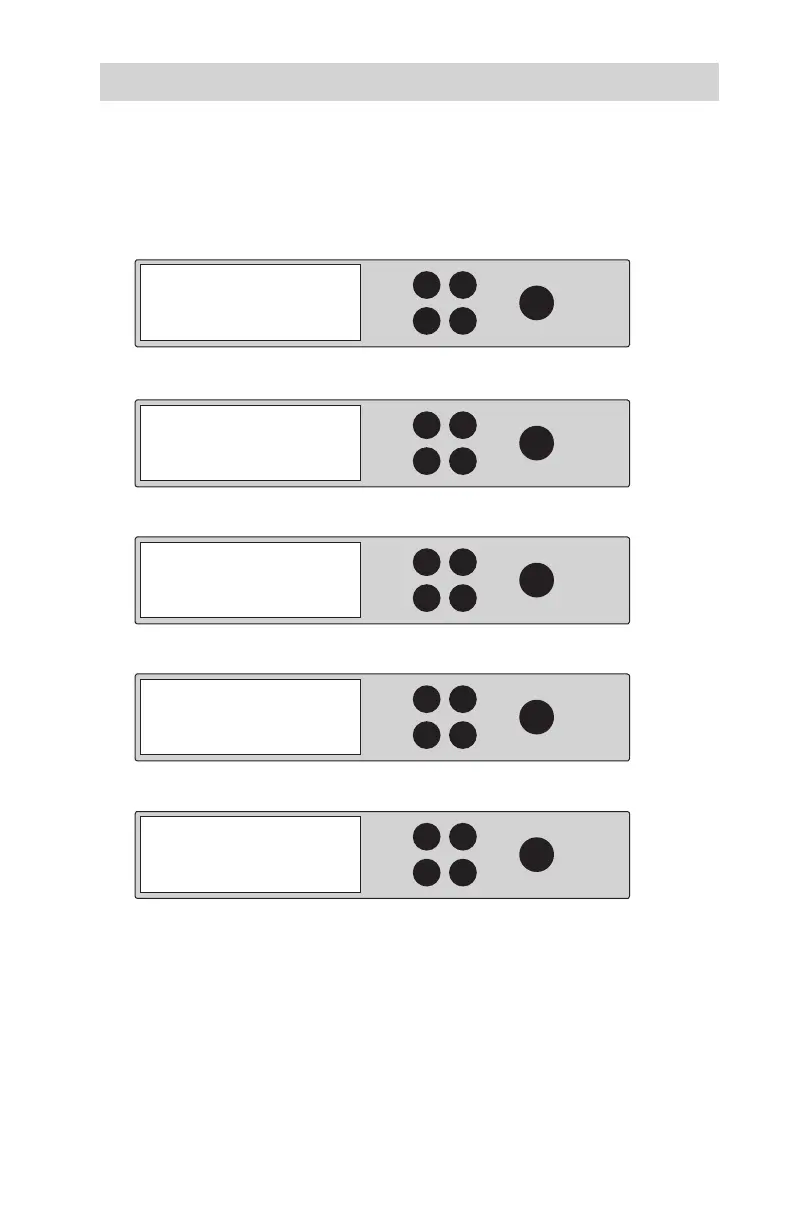
During the normal power-up sequence of the HDD Copy Dock Duplicator, the
following information will be displayed:
• Power on unit:
• Press either the UP, DOWN, ESC or ENT button to display:
• Press the ENT button to display:
• Press the ENT button to continue into Duplicator Mode:
• You are now in Duplicator Mode:
HDD Duplicator
1-1 ver:
UP
DOWN
ENT
ESC
POWER
HDD Duplicator
1-1 ver:
UP
DOWN
ENT
ESC
POWER
HDD Duplicator
1-1 ver:
UP
DOWN
ENT
ESC
POWER
HDD Duplicator
1-1 ver:
UP
DOWN
ENT
ESC
POWER
You are going to
Duplicator Mode
== Main Menu ==
Duplicator Mode
Are you sure?
Enter: Yes ESC: No
Aleratec 1:3 HDD
Copy Dock USB 3.0
Aleratec PC Mode



 To Next Page