www.aleratec.com
12
HDD Duplicator
1-1 ver:
UP
DOWN
ENT
ESC
POWER
HDD Duplicator
1-1 ver:
UP
DOWN
ENT
ESC
POWER
HDD Duplicator
1-1 ver:
UP
DOWN
ENT
ESC
POWER
Using the HDD Copy Dock Duplicator
Duplicator Mode
Setup Menu: 5-1 Auto Compare (Not Supported)
Duplicator Mode
Setup Menu: 5-2 Button Sound
This option allows you to enable or disable the beeping sound heard when you
press a button.
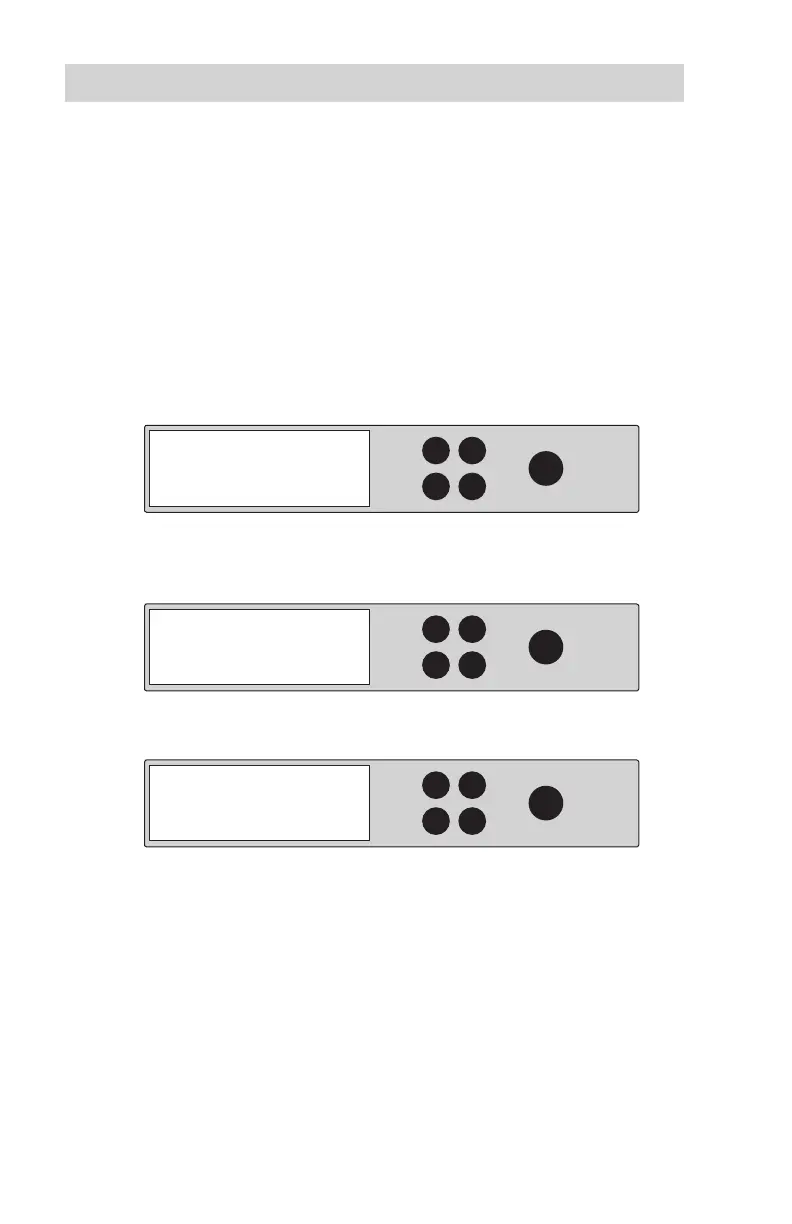
1. Use the arrow buttons select “Setup”. The following screen will be
displayed:
2. Press ENT and u
se the arrow buttons to scroll to “Button Sound”. The
following screen will be displayed:
3. Press ENT to display the current conguration setting. The default is “On”.
4. Use the arrow buttons to toggle through the available options. Once you
change a default, remember to press ENT to save it.
Note: This setting will only apply for the current job. If desired, it will need to
be set again for subsequent jobs.
5. Setup
5-2. Setup
Button Sound
Button Sound
On



 To Next Page