www.aleratec.com
13
HDD Duplicator
1-1 ver:
UP
DOWN
ENT
ESC
POWER
HDD Duplicator
1-1 ver:
UP
DOWN
ENT
ESC
POWER
HDD Duplicator
1-1 ver:
UP
DOWN
ENT
ESC
POWER
Using the HDD Copy Dock Duplicator
Duplicator Mode
Setup Menu: 5-3 Device Info
This option displays information about any hard drives connected to the HDD
Copy Dock Duplicator.
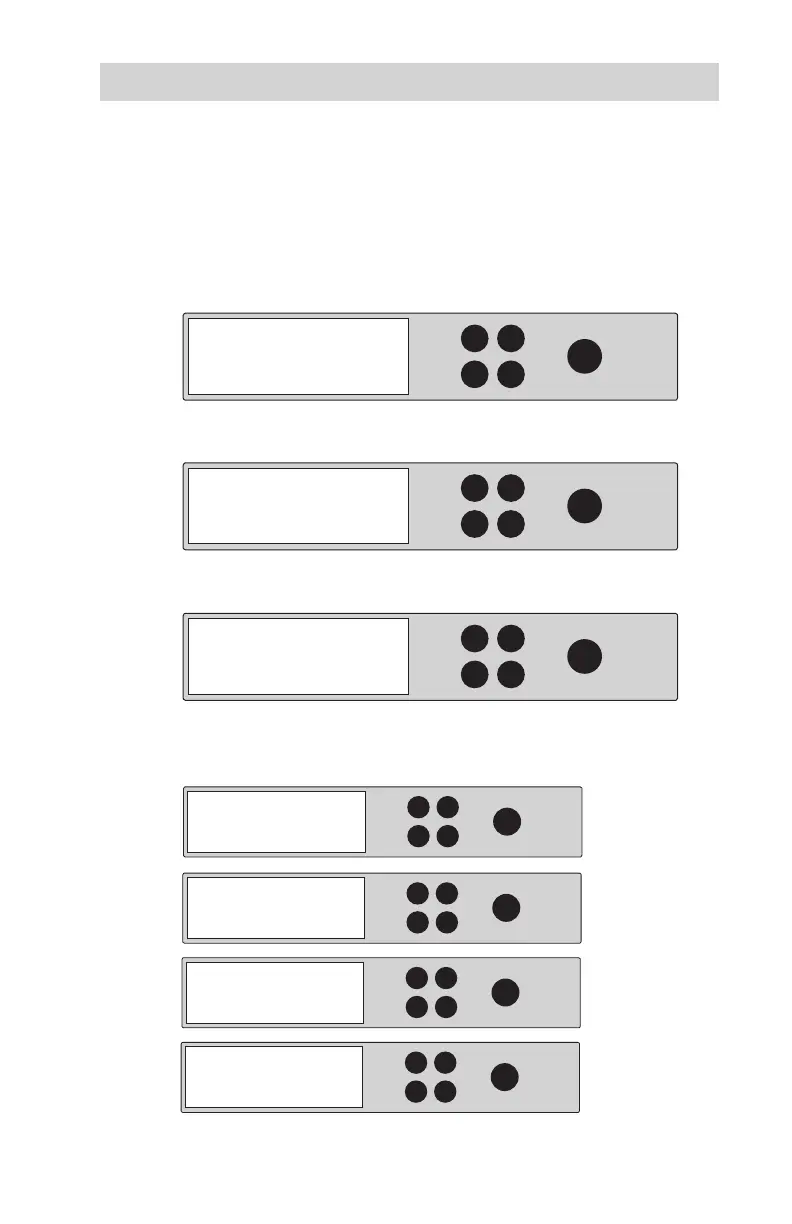
1. Use the arrow buttons to scroll to “Setup”. The following screen will be
displayed:
2. Press ENT and u
se the arrow buttons to scroll to “Device Info”. The
following screen will be displayed:
3. Press ENT and u
se the arrow buttons to scroll to choose disk drive. The
following screen will be displayed:
4. Press ENT to display information about the rst device. Use the arrow
buttons to show information about any additional hard drive that is
connected. The following screens will be displayed:
5. Setup
5-3. Setup:
Device Info.
Select Disk:
Disk #
HDD Duplicator
1-1 ver:
UP
DOWN
ENT
ESC
POWER
Model:
HDD Duplicator
1-1 ver:
UP
DOWN
ENT
ESC
POWER
Serial No.:
HDD Duplicator
1-1 ver:
UP
DOWN
ENT
ESC
POWER
Firmware Ver.:
HDD Duplicator
1-1 ver:
UP
DOWN
ENT
ESC
POWER
Total Capacity.:



 To Next Page