www.aleratec.com
14
HDD Duplicator
1-1 ver:
UP
DOWN
ENT
ESC
POWER
HDD Duplicator
1-1 ver:
UP
DOWN
ENT
ESC
POWER
HDD Duplicator
1-1 ver:
UP
DOWN
ENT
ESC
POWER
HDD Duplicator
1-1 ver:
UP
DOWN
ENT
ESC
POWER
Using the HDD Copy Dock Duplicator
PC Mode
PC Mode Setup
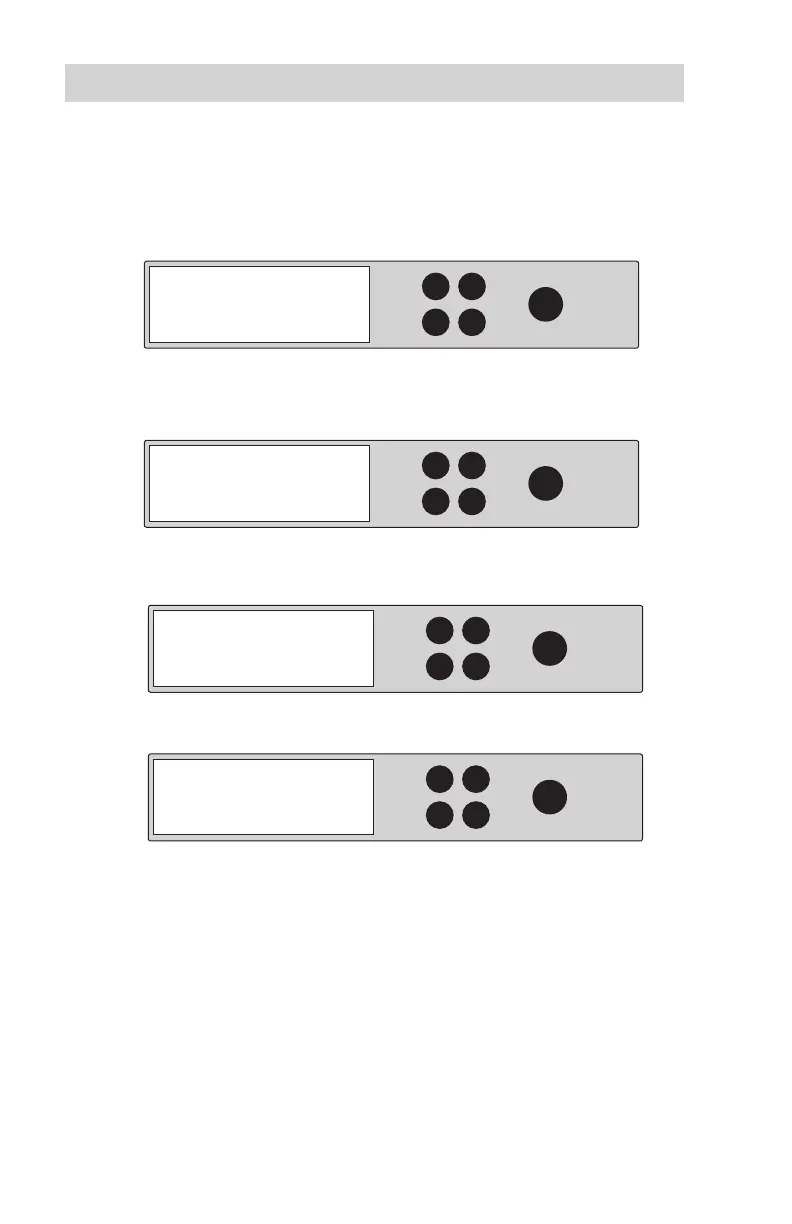
1. Use the arrow buttons to scroll to “PC Mode”. The following screen will
be displayed:
2. Press ENT and u
se the arrow buttons to scroll to “PC Mode”. The
following screen will be displayed:
3. Press ENT to select. The system will prompt you to conrm that you wish
to proceed.
4. You are now in PC Mode.
6. PC Mode
Aleratec PC Mode
Are you sure?
Enter: Yes ESC: No
You are going to PC Mode



 To Next Page