www.aleratec.com
17
HDD Duplicator
1-1 ver:
UP
DOWN
ENT
ESC
POWER
HDD Duplicator
1-1 ver:
UP
DOWN
ENT
ESC
POWER
HDD Duplicator
1-1 ver:
UP
DOWN
ENT
ESC
POWER
Using the HDD Copy Dock Duplicator
Advanced Setup
Advanced Setup Menu: 7-4 System Info
This function displays information about the HDD Copy Dock Duplicator,
including the current rmware version.
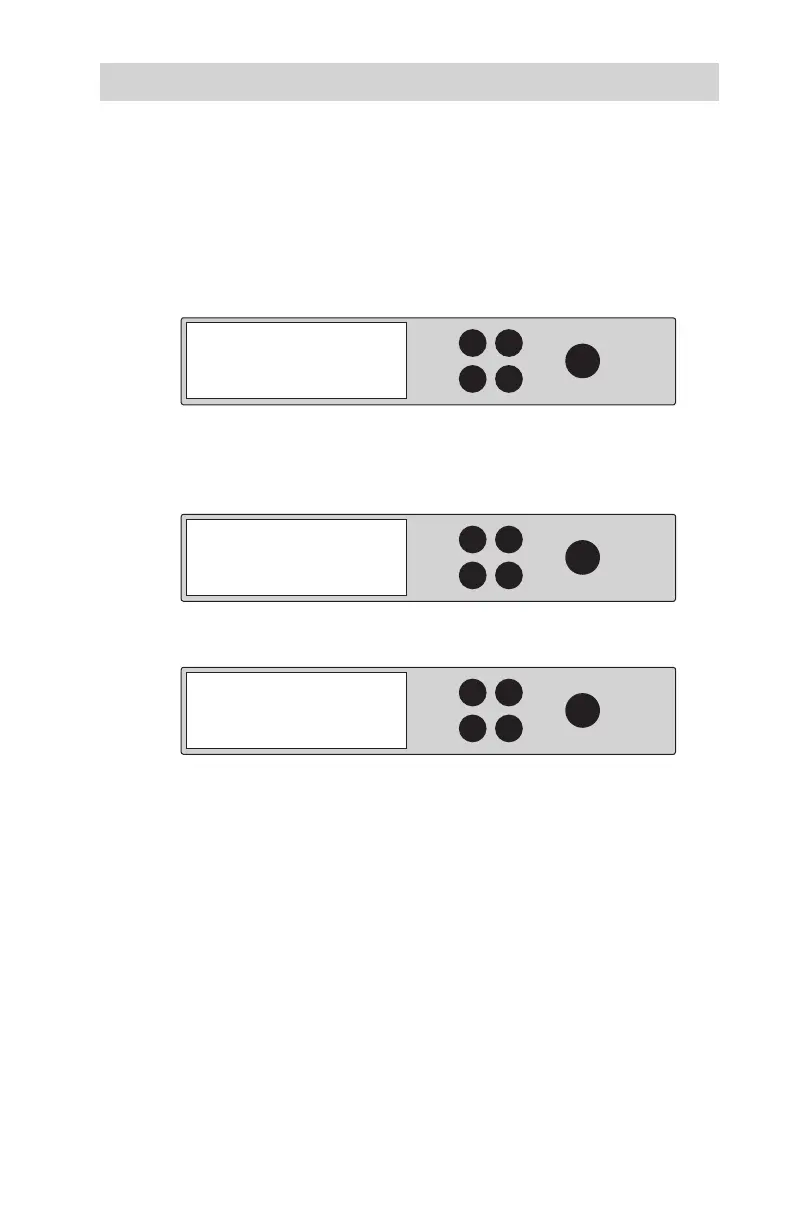
1. Use the arrow buttons to select “Setup”. The following screen will be
displayed:
2. After selecting “Setup”
use the arrow keys to toggle between the
subfunctions. Press ENT to select. “System Info”. The following
information will be displayed:
3. Press ENT to display system information.
7. Setup
7-4. Setup
System Info
Firmware Version
V1. 003 [ 1017 ]



 To Next Page