www.aleratec.com
27
Using the DVD/CD Duplicator
Main Menu
Edit Track - continued
10.2 (Not supported)
10.3 Play Audio Track
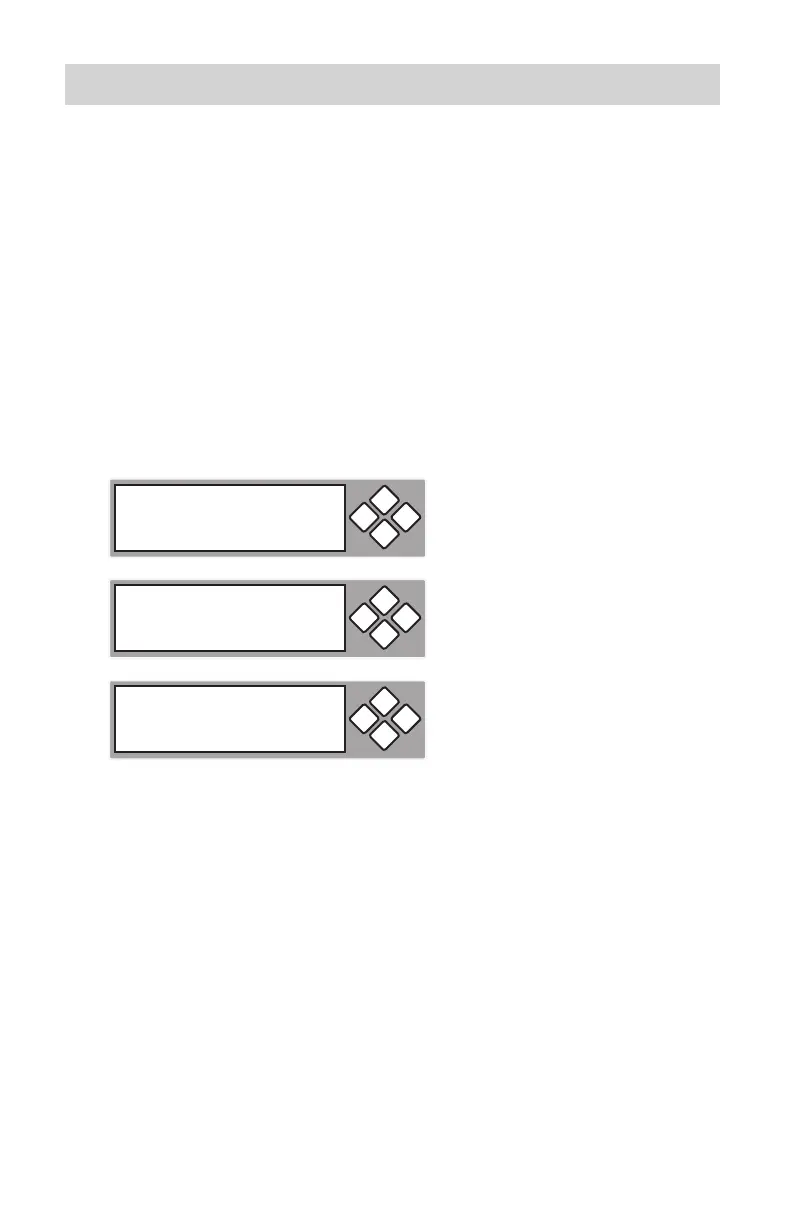
By selecting “Play Audio” you can play music with your DVD/CD Duplicator.
You can connect headphones or speakers to the headphone jack on the DVD/
CD-ROM or the speaker jacks on the back of the unit.
Load the CD you want to play in that drive and press the 1. ENT button to
play music. Press ESC to index to the next setting.
10-03 Edit Track
Play Audio Track
ESCENT
Select Track
1/10 04:25
ESCENT
Playing Track-1
00:00 / 03:35
ESCENT



 To Next Page