www.aleratec.com
52
Using the DVD/CD Duplicator
Using the Duplicator as a DVD/CD-Recorder - continued
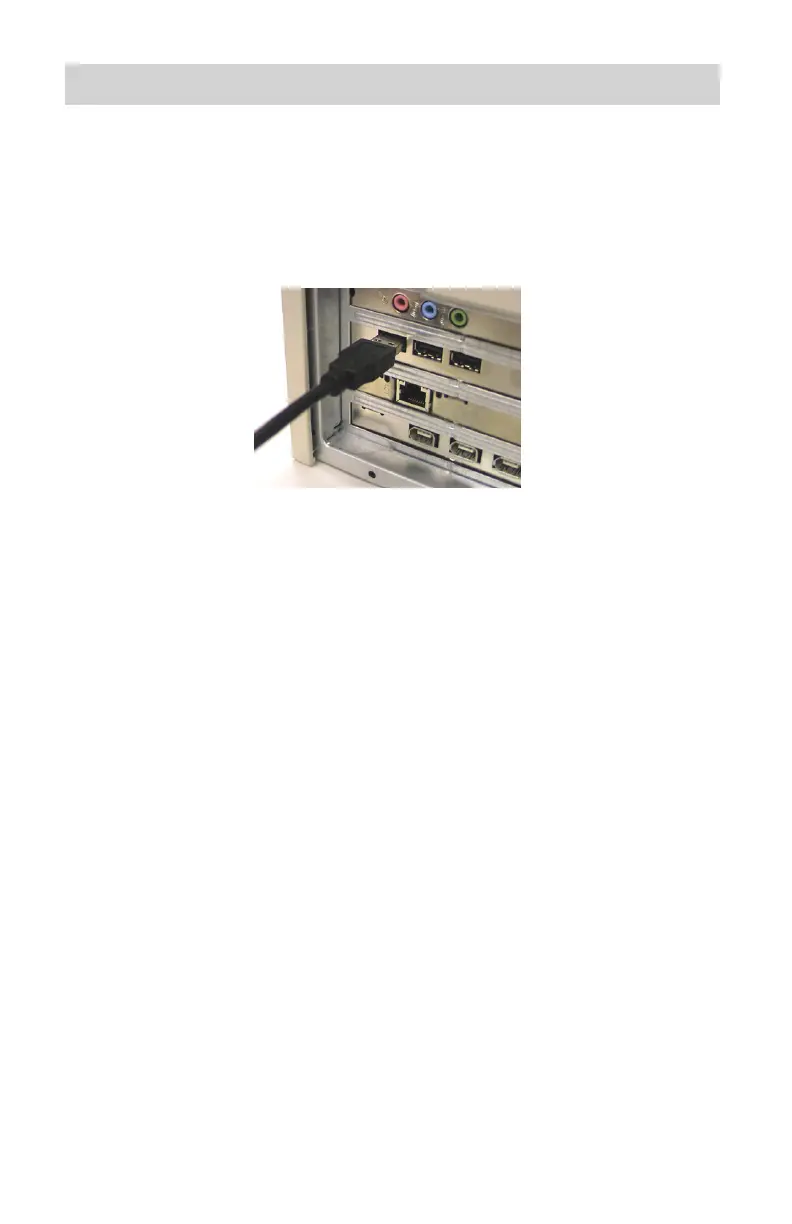
Connect the USB 2.0 Data Cable to the Duplicator. ▪
Align and gently insert the USB 2.0 Data Cable into an available USB
2.0 port on your computer, making sure you do not bend the connector.
For P/N 260147 and 260148 and systems running Windows 98SE only: ▪
Install the USB 2.0 Drivers.
If you are running Windows 98SE: After your computer starts up, insert
the USB 2.0 Driver Software in your computer’s DVD/CD-ROM drive,
and run the driver install program to complete your installation.
Note: This step is not needed if you are not running Windows 98SE.
Go to Adv Setup step 13 and switch to USB Mode. Your computer should 2.
recognize the DVD/CD-Recorder in the DVD/CD Duplicator.
Install the software from the included CD.3.



 To Next Page