5
Traditional Mixing
24
Simple Two-Channel Recording Setup
(without using a computer)
Again, connect your instruments and microphones to the mono
and stereo channels and set the levels appropriately. To record
directly from the mixer to a tape deck or other device, connect the
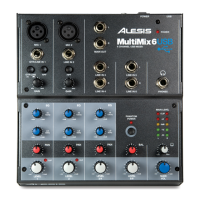
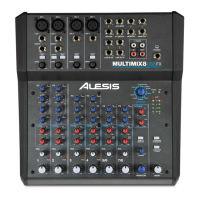
MultiMix’s 2-TRACK OUT jacks to the IN jacks of the
recorder.
For monitoring you can connect the CTRL RM OUT jacks to a
speaker or headphone amplifier, or just simply plug headphones
into the PHONES jack.


 To Next Page