5
5 BAND EQ PITCH
MIX
1
2
EQ OUTPUT
PITCH
OUTPUT
DIRECT OUTPUTDIRECT PRE/POST EQ
L
R
L
R
MULTI TAP
DELAY OUTPUT
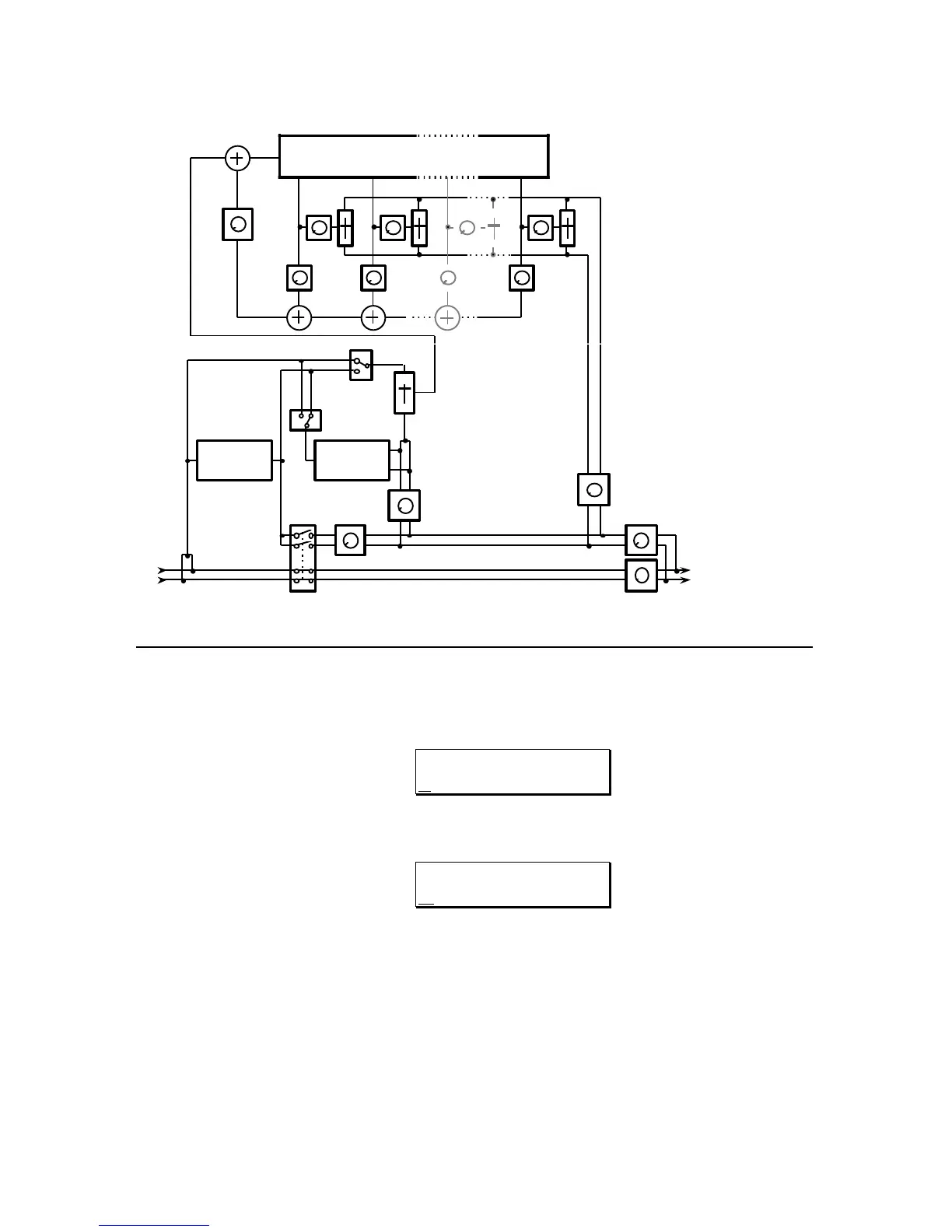
DELAY 1 DELAY 2 DELAY 8
MULTI TAP DELAY
DELAY X
FEEDBACK
FEEDBACK 1 FEEDBACK 2 FEEDBACK X FEEDBACK 8
AMP 10 AMP 2 AMP X AMP 8
PAN 2 PAN X PAN 8PAN 1
EFFECTS OUTPUT
EDITING THE MULTI TAP DELAY PARAMETERS
1) To access the Multi Tap Delay parameters, press the DELAY button. The
display will then read:
DELAY TYPE:
STEREO DELAY
Press the "Up" VALUE button until the next selection reads:
DELAY TYPE:
MULTI TAP DELAY
This page allows the selection of the Mono, Stereo, Ping Pong (as from
the original configuration) or the new Multi Tap Delay.
2) Pressing the "Up"
PAGE button will select the next page which will read:



 To Next Page