EasyManua.ls Logo

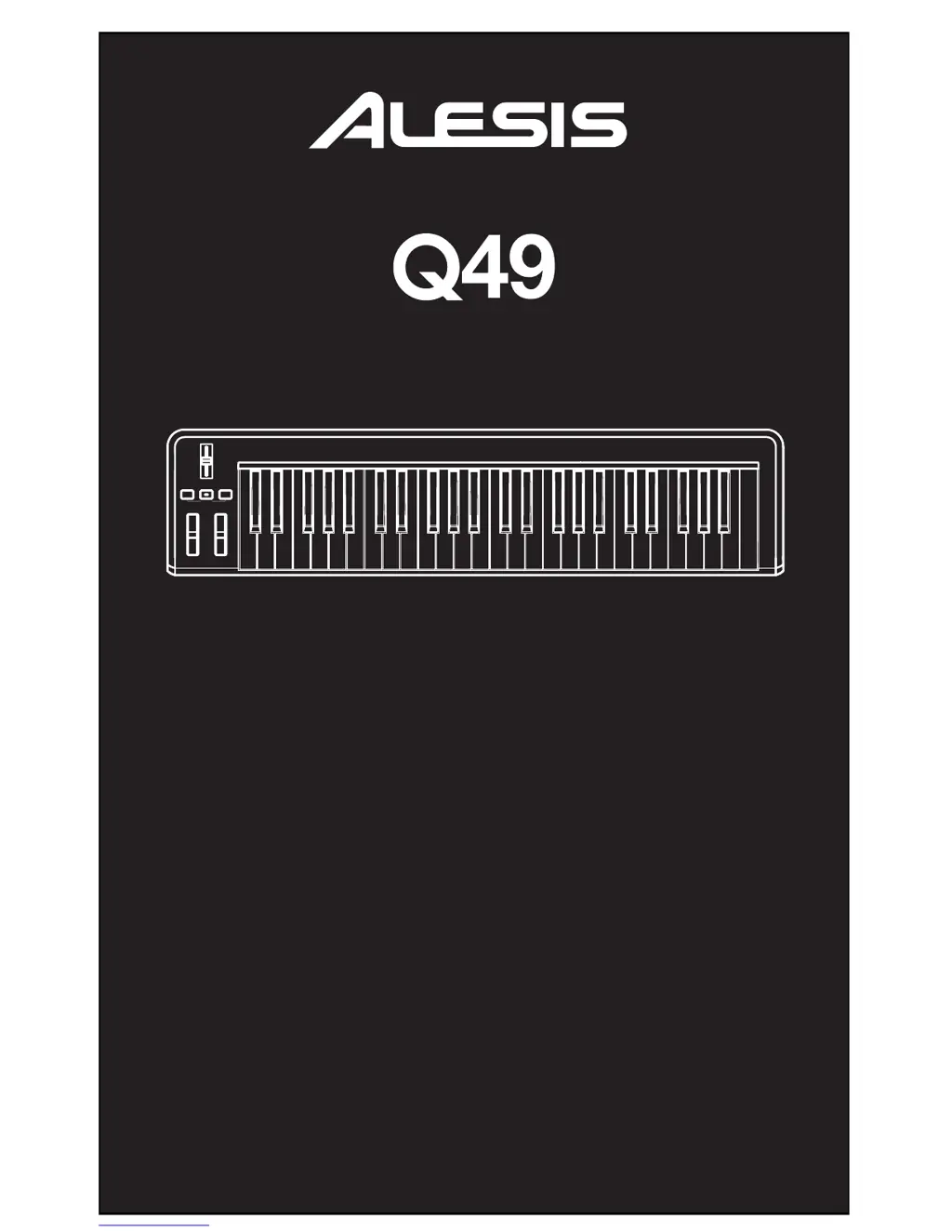
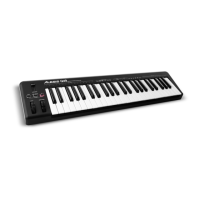
Alesis Q49 - User Manual

Alesis Q49
20 pages
Print Icon
To Next Page IconTo Next Page
Loading...
USB/MIDI KEYBOARD CONTROLLER
QUICKSTART GUIDE
ENGLISH ( 3 – 5 )
GUÍA DE INICIO RÁPIDO
ESPAÑOL ( 6 – 8 )
GUIDE D'UTILISATION RAPIDE
FRANÇAIS ( 9 – 11 )
GUIDA RAPIDA
ITALIANO ( 12 – 14 )
KURZANLEITUNG
DEUTSCH ( 15 – 17 )

Other manuals for Alesis Q49

Questions and Answers

  • J
    jcampbellJul 26, 2025
    What to do if there is no sound from target device with Alesis Q49?
    • J
      Joseph MendezJul 26, 2025
      If you're not getting any sound from your target device using Alesis Music Equipment, here are a few things to check: * Ensure your computer recognizes the Q49 by checking the USB connection. Try replugging and restarting your computer. * For external hardware modules, verify the MIDI cable connects the Q49 to the device's MIDI IN port. * If you connected the Q49 after starting your software, restart the application with the controller plugged in. * Avoid using a USB hub; connect the Q49 directly to your computer. * Confirm your software application is set to receive MIDI data from the Q49, usually in the Preferences menu. * Also, ensure the Q49's MIDI channel matches the incoming MIDI channel expected by your application.
  • S
    Steven WagnerAug 3, 2025
    Why doesn't the display light up on my Alesis Q49?
    • P
      Paul WilsonAug 3, 2025
      If the display on your Alesis Music Equipment isn't lighting up, the issue is likely power-related. First, ensure that the Q49 is properly connected to your computer and that the computer is turned on. If you're using a power adapter, verify that it's plugged into a working power outlet.
  • S
    Sheryl ScottAug 10, 2025
    How to fix continuously sustaining notes on Alesis Q49?
    • R
      Riley OrtizAug 10, 2025
      If notes are sustaining continuously on your Alesis Music Equipment, it might be due to the sustain pedal being plugged in after the Q49 was powered on, or due to stuck notes from incomplete MIDI data. To resolve this, turn the unit's power off, wait a moment, and then turn it back on.
  • H
    Heidi JacksonAug 18, 2025
    What to do if sustain pedal works in reverse on Alesis Q49 Music Equipment?
    • K
      kjohnsonAug 18, 2025
      If your sustain pedal is working in reverse on your Alesis Music Equipment, it's likely because the pedal was plugged in after the power was turned on. To fix this, with the pedal plugged in, turn the unit's power off, wait a moment, and then turn it on again.

Summary

INTRODUCTION

CONNECTION DIAGRAM

REAR PANEL OVERVIEW

TOP PANEL OVERVIEW

Keyboard and Control Wheels

Describes the keyboard, pitch bend, and modulation wheels for performance and MIDI data transmission.

Data Entry Slider and Octave Controls

Explains the data entry slider for parameter adjustment and octave controls for range shifting.

SELECTING & EDITING MIDI COMMANDS

MIDI Channel and Velocity Settings

Covers setting the MIDI channel for transmission and adjusting note velocity sensitivity.

Effect, Volume, and CC Data Control

Guides on configuring reverb, chorus, pan, volume, and sending MIDI control change data.

Octave, Transpose, and Reset Functions

Details octave transposition, semitone pitch adjustment, system reset, and setting CC numbers.

TROUBLESHOOTING

SPECIFICATIONS

MIDI IMPLEMENTATION CHART

Alesis Q49 Specifications

General IconGeneral
MIDI-keyboard number of keys49 keys
Product colorBlack
InterfaceUSB
DC-in jackYes
Input voltage9 V
Power source typeDC
Power consumption (typical)4.5 W

Related product manuals