Guided Tour
STUDIO 24 REFERENCE MANUAL 2 9
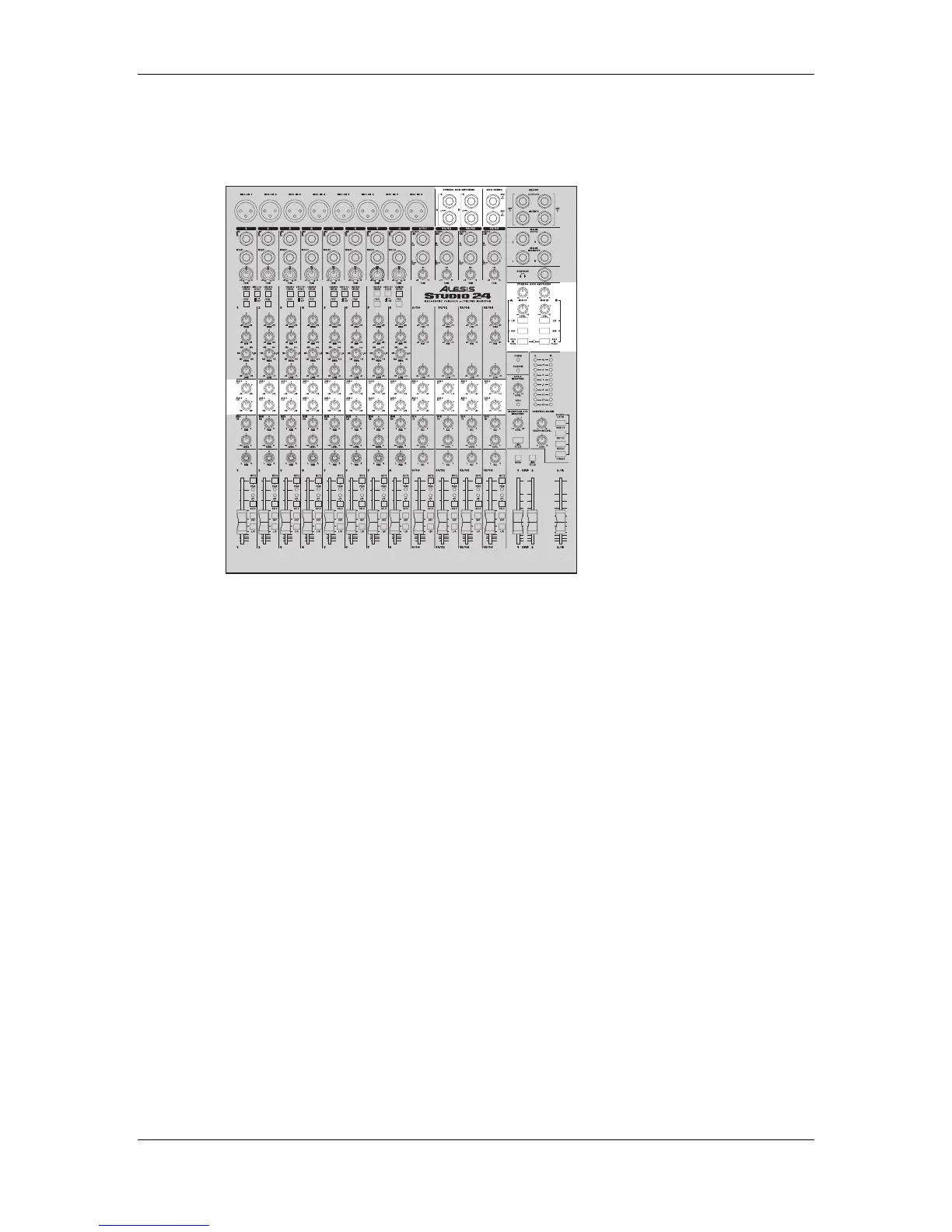
AUX SEND/RETURN SYSTEM
AUX SENDS
In the center of each channel module are the blue knobs that make up the Auxiliary
Send section, which allows the signal to be routed to outboard signal processing
equipment. There are two Aux knobs in each channel labeled “3” and “4” that set the
level of signal sent out of the AUX SENDS jacks on the top panel.. Since some people
will use the Monitor section as an auxiliary send, they’re numbered “1” and “2”.
STEREO AUX RETURNS
The Stereo Aux Returns, found near the upper right section of the top panel, are extra
input channels designed for routing the signals back from signal processing
equipment. Aux Returns can be thought of as very basic line input channels. The
gray LEVEL knobs control how much effect will be added to the mix, either while
tracking or mixing down. The purple MON 1/2 knobs control how much effect will
be sent to the monitor section so you can hear it in the control room and headphone
mix, independently of the amount going to the multitrack or stereo mix.
If you are using a MIDI system with several keyboards, each with stereo signals, you
can alternatively use the Stereo Aux Returns as additional line inputs. This is
especially useful for keyboards that provide their own on-board signal processing,
and therefore do not need to be routed to the other Aux Sends.



 To Next Page