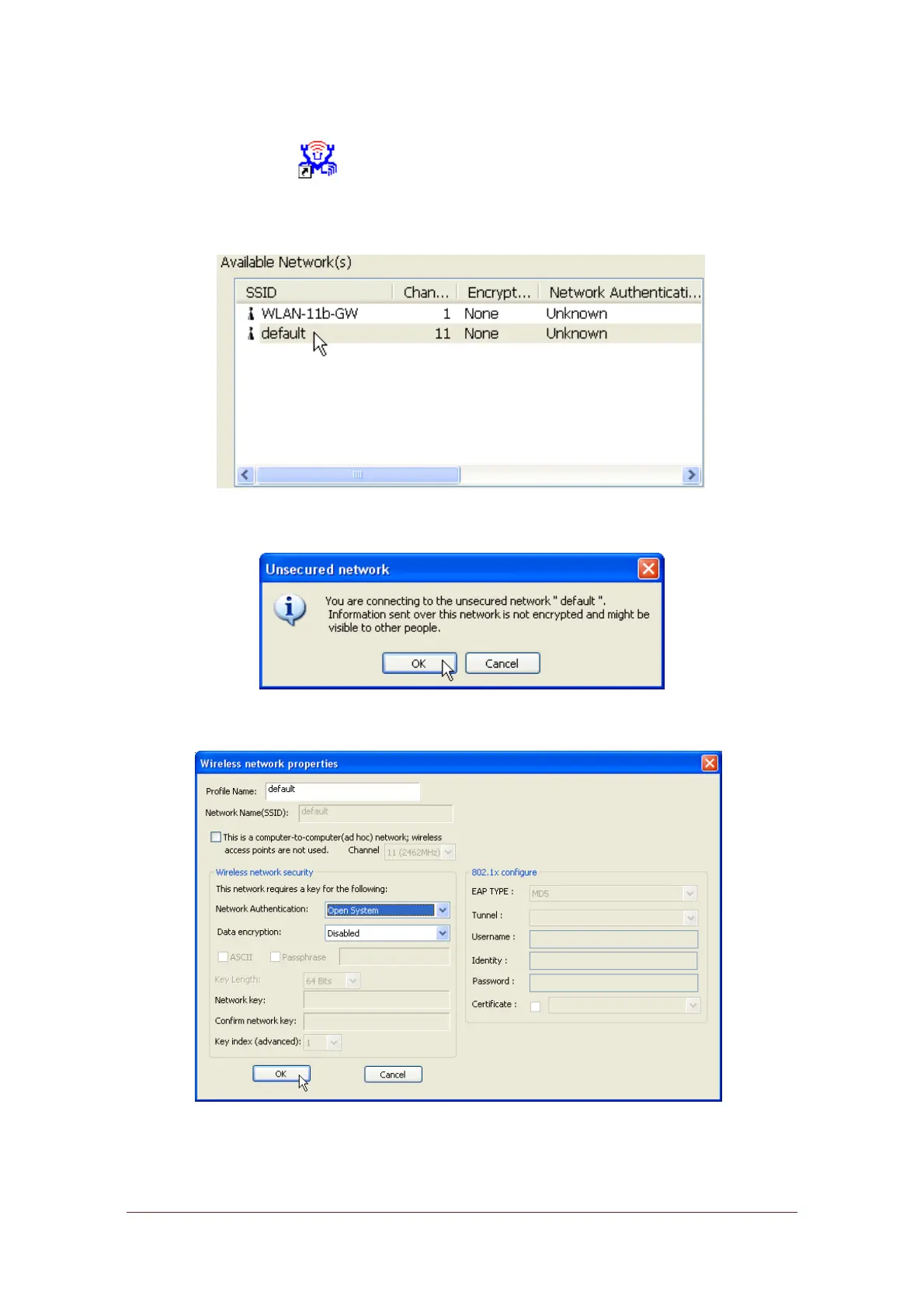
To use this adapter in Infrastructure Mode:
1.
Double click the icon on your desktop.
2.
Click the “Available Network” button to scan available access points. Double
click on the AP that you are going to connect to.
3.
Click the OK button to confirm that you are connecting to an open wireless
network.
4.
Click OK to add this network into the profile list.



 To Next Page