Option #1 - WAN
SETTINGS – USB Wireless Card
Mode: DHCP
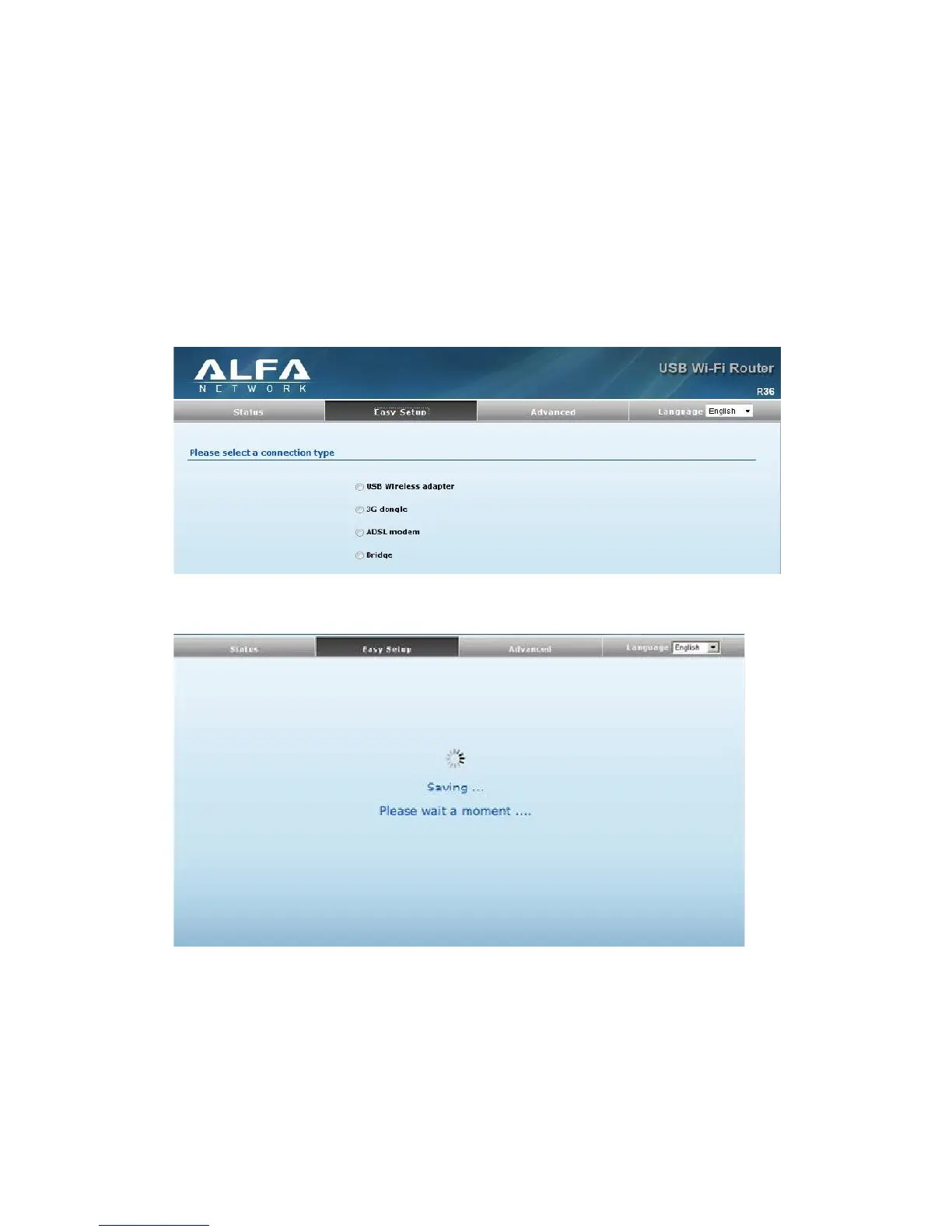
Enables support for AWUS wireless card as a WAN connection by selecting USB
Wireless Adapter from the Easy Setup page.
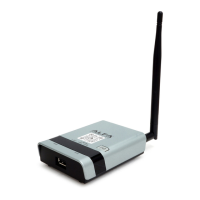
Screen shows saving in progress after 3G dongle has been selected.
Select Static (Fixed IP) from the drop down menu from Connection Mode. Prepare
an available SSID after Site Survey.
16


 To Next Page