Connecting the machine
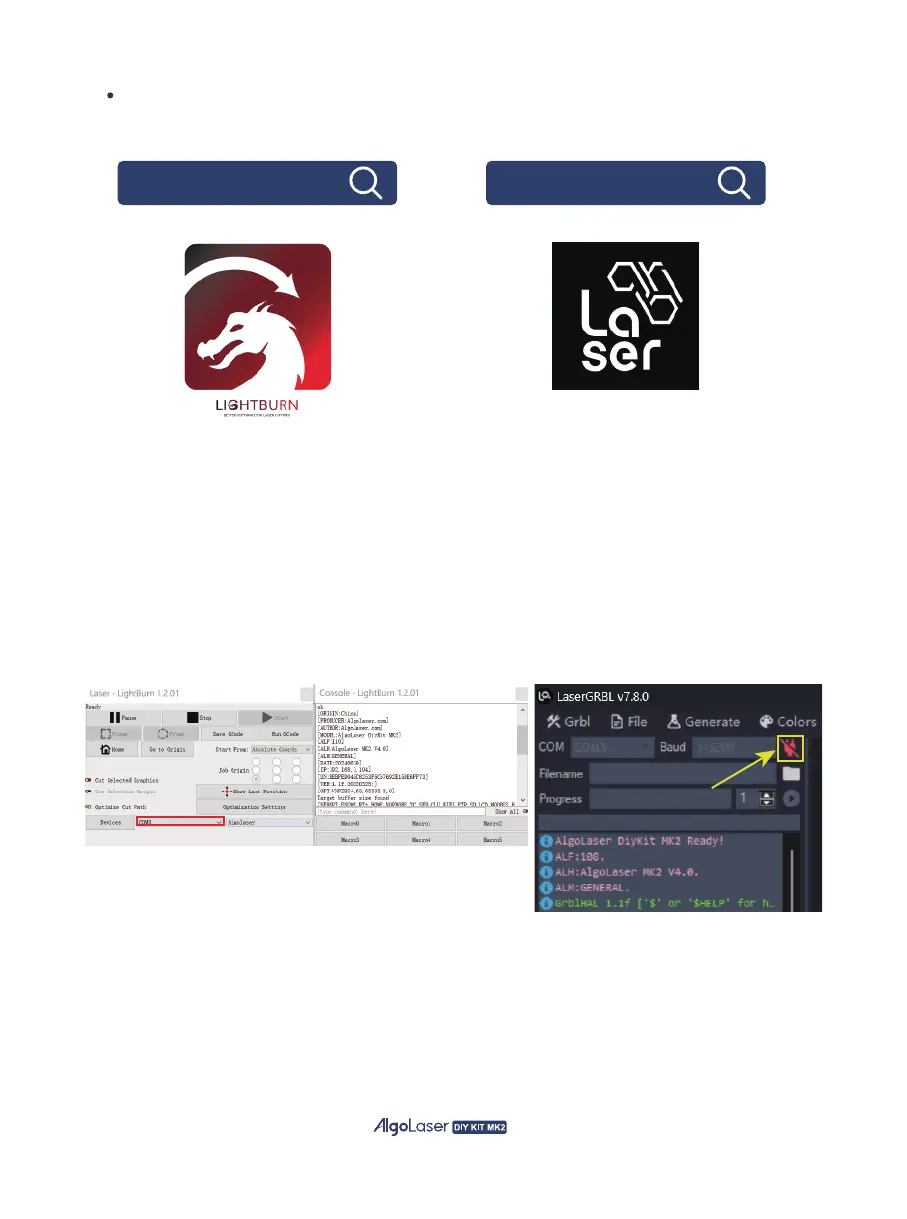
① Launch the LaserGRBL / LightBurn software.
② Select the COM port that corresponds to the one identified in step two of the
installation process.
③ Click on the “Connect” button.
④ If a welcome message appears in the command box,
it indicates a successful connection.
Note: The LightBurn software requires a purchase to use.
LightburnSoftware.com lasergrbl.com
33


 To Next Page