3.6 How to Connect the Machine to a PC
Install the driver: Before installing the computer driver, please power on
the machine and connect it to the PC using a USB cable.
Then, choose the appropriate driver file based on your computer system
and proceed with the installation.
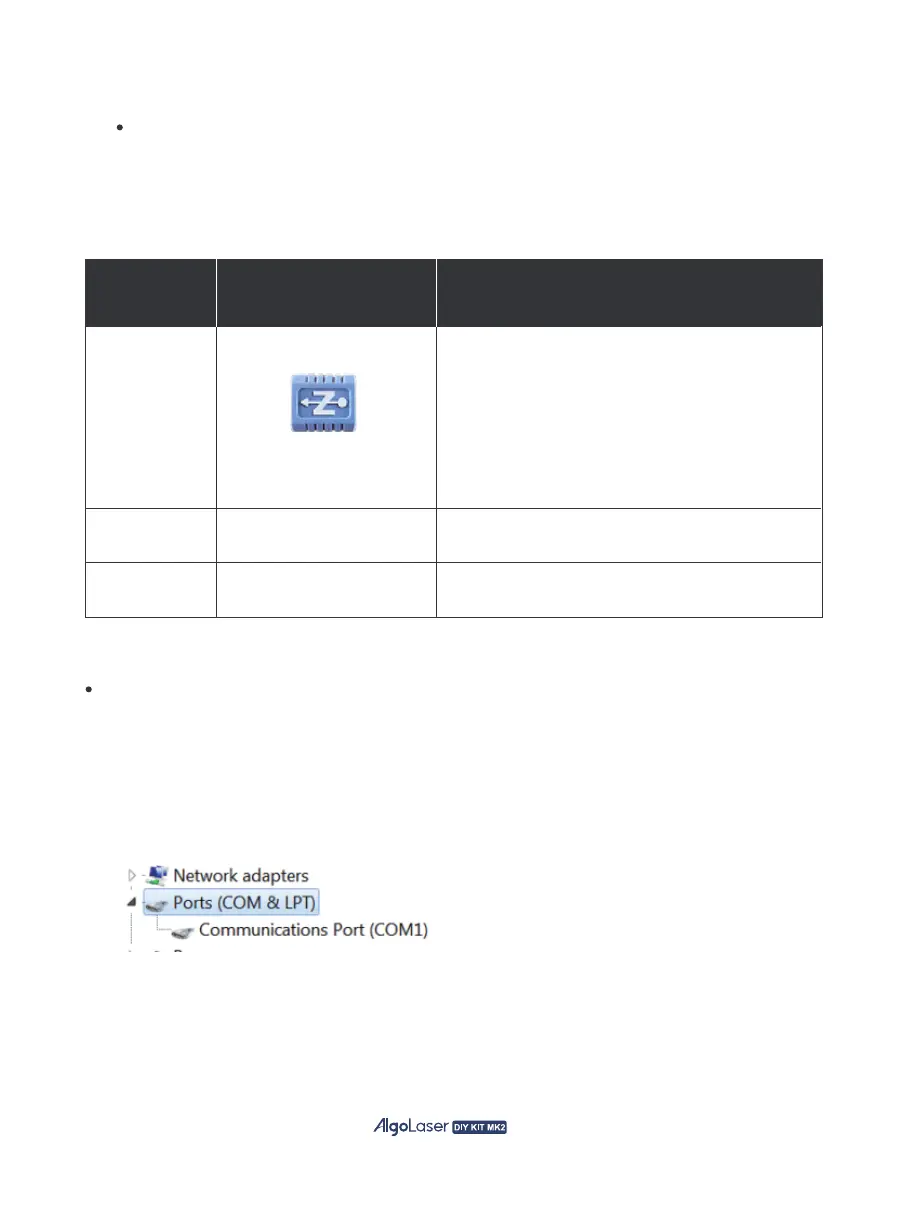
To check the driver installation, follow these steps:
① Find the Device Manager on your computer.
② Navigate to the Ports section.
③ Disconnect the USB cable from the computer.
④ Observe that the new serial port disappears from the Ports section.
⑤ Reconnect the USB cable.
⑥ Verify that a new serial port appears, indicating successful driver installation.
WIN 7/WIN 8
zadig-2.8.exe
No installation required
No installation required
WIN 10/WIN 11
Mac
Operating
System
Operation
Phenomenon
To install the driver, make sure the machine is
powered on and connected to the computer via
USB.
The installation process can only be carried out
when the machine is in the powered-on state and
connected to the computer.
32


 To Next Page