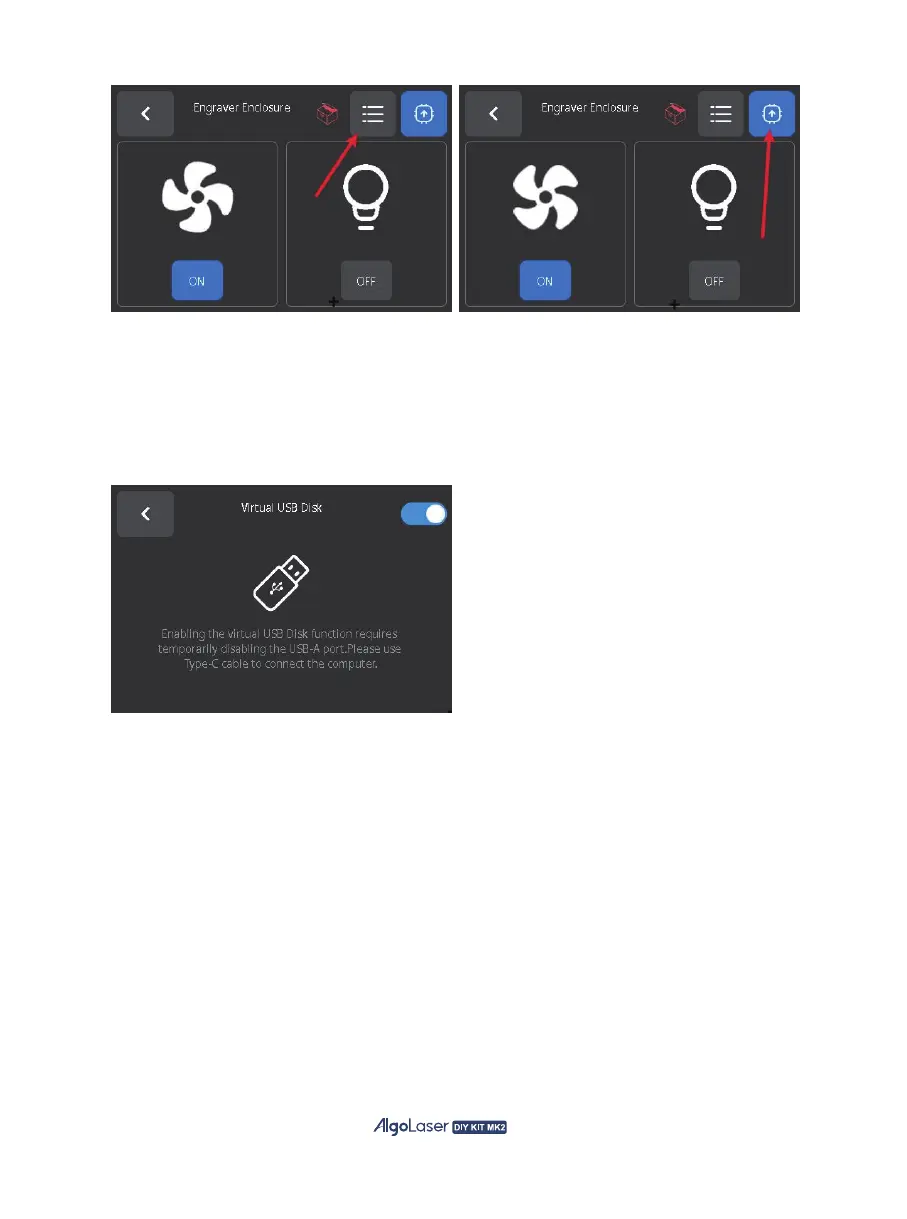
5、Settings Module
The AlgoOS settings module contains machine settings and system settings.
A. Virtual USB DIsk: The machine is equipped with a built-in SD card. Temporarily disable the
USB-A port and use a virtual USB disk. Connecting to the computer with Type-C cable to operate
files from the SD card on the computer.
B. Device self-test: AlgoOS provides a set of process to test the device:
The system will provide the test results after detection, and you can click to find the failure tips for
the detected failure steps.
① Emergency button detection, press or tap the emergency button to detect whether the button can
be used in normally;
② Turn on and off the child lock to detect whether the child lock button can be used normally;
③ Detect whether the laser can emit light normally;
④ Detect whether the air pump can work normally;
⑤ Detect whether the screen color is displayed normally and whether there is any damage to the
screen display;
⑥ Check whether AlgoOS can detect machine vibration;
⑦ Check whether AlgoOS can detect machine offset;
⑧ Check whether the built-in SD card can be used normally and whether the built-in font file exists;
51


 To Next Page