6
6
.
.
2
2
R
R
e
e
s
s
e
e
t
t
t
t
o
o
f
f
a
a
c
c
t
t
o
o
r
r
y
y
d
d
e
e
f
f
a
a
u
u
l
l
t
t
s
s
Tournament Lock Switch is off.
Hold the trigger and press Power button – continue holding until the LED flashes
YELLOW. Release the trigger. The LED is RED.
Cycle through Modes by pulling the trigger until you get to Reset to factory defaults
(blinking Yellow)
Hold the trigger for 15 seconds. The LED will flash multiple colors. Release the trigger.
After 1 second the marker will shut off automatically. The next time when you turn on the
marker it will have default factory settings.
Resetting to factory defaults resets all the settings including the dwell. You will need to readjust
the dwell and other settings to the desired values.
7
7
.
.
P
P
r
r
o
o
g
g
r
r
a
a
m
m
m
m
i
i
n
n
g
g
M
M
o
o
d
d
e
e
Tournament Lock is off.
Hold trigger back and turn the On/Off ON - continue holding the trigger until the LED
flashes multiple colors. Release the trigger. The LED is RED.
Cycle trough the settings by pulling the trigger. The LED will change colors corresponding
to the setting options selected.
To change or verify a setting hold the trigger for 1.5 seconds.
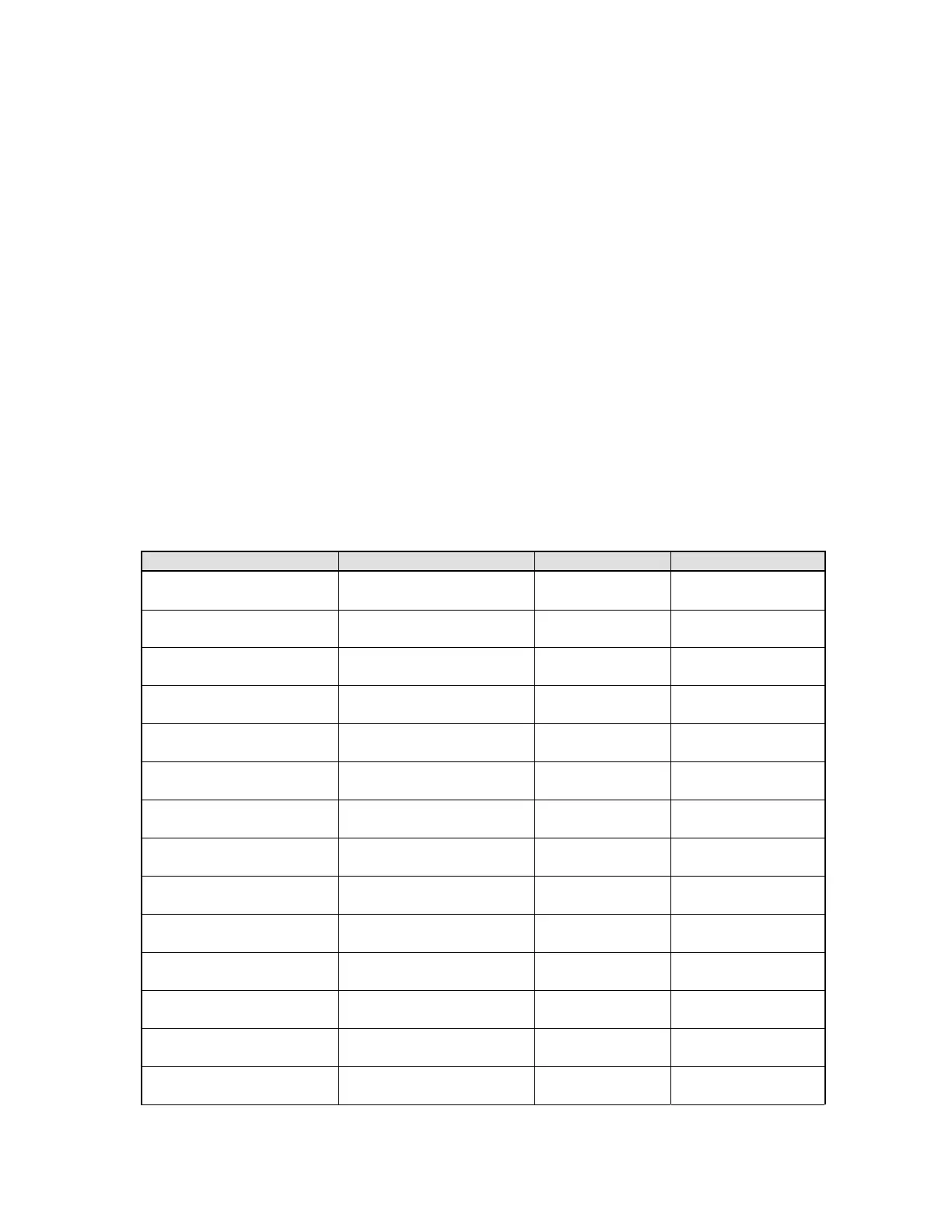
The LED color and settings indicate each mode shown in the following table:
LED color Setting Range Default value
Solid RED Dwell 1 to 40 12
Solid GREEN Electrical debounce 1 to 20 2
Solid BLUE Mechanical debounce 1 to 20 6
Solid YELLOW TON M-Debounce 1 to 20 6
Solid PURPLE Eye delay 1 to 40 2
Blinking RED Max ROF Eyes On 1 to 30 20
Blinking GREEN Menu Type 1 to 3 1
Blinking BLUE Max ROF Eyes Off 8 to 20 15
Blinking YELLOW M-Bounce sensitivity 1 to 20 4
Blinking PURPLE Fire Modes 1 to 5 1
2 Flash RED Safety shots 1 to 12 3
2 Flash GREEN Ramp activation 1 to 20 10
2 Flash BLUE Ramp time out 1 to 9 1
2 Flash YELLOW Maximum trigger memory 1 to 5 1
21



 To Next Page