Views
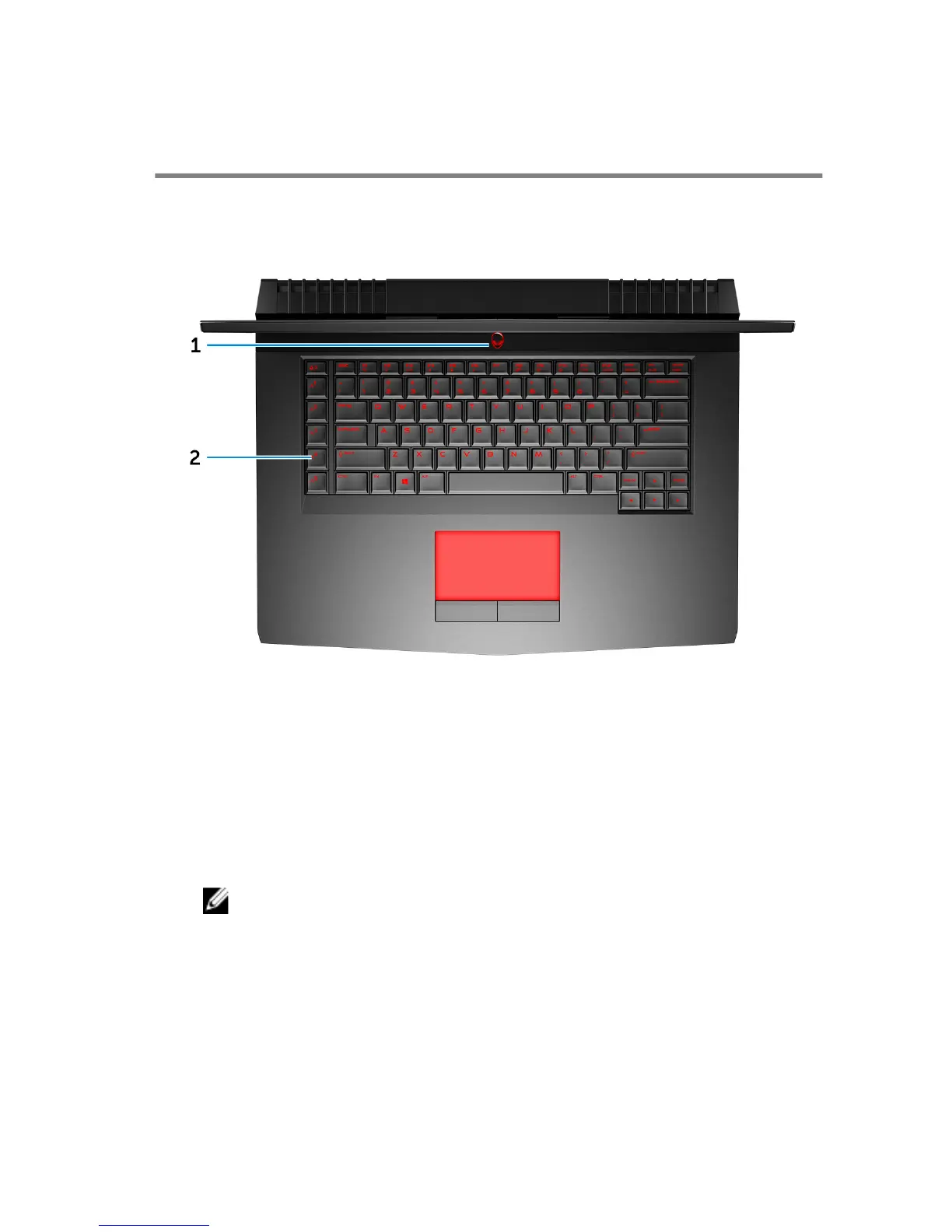
Base
1 Power button (Alienhead)
Press to turn on the computer if it is turned o, in sleep state, or in hibernate
state.
Press to put the computer in sleep state if it is turned on.
Press and hold for 4 seconds to force shut-down the computer.
NOTE: You can customize the power-button behavior in Power
Options.
2 Macro keys
Run pre-dened Macros.
Dene the macro keys using the Alienware Command Center.
11



 To Next Page