Operating the monitor | 39
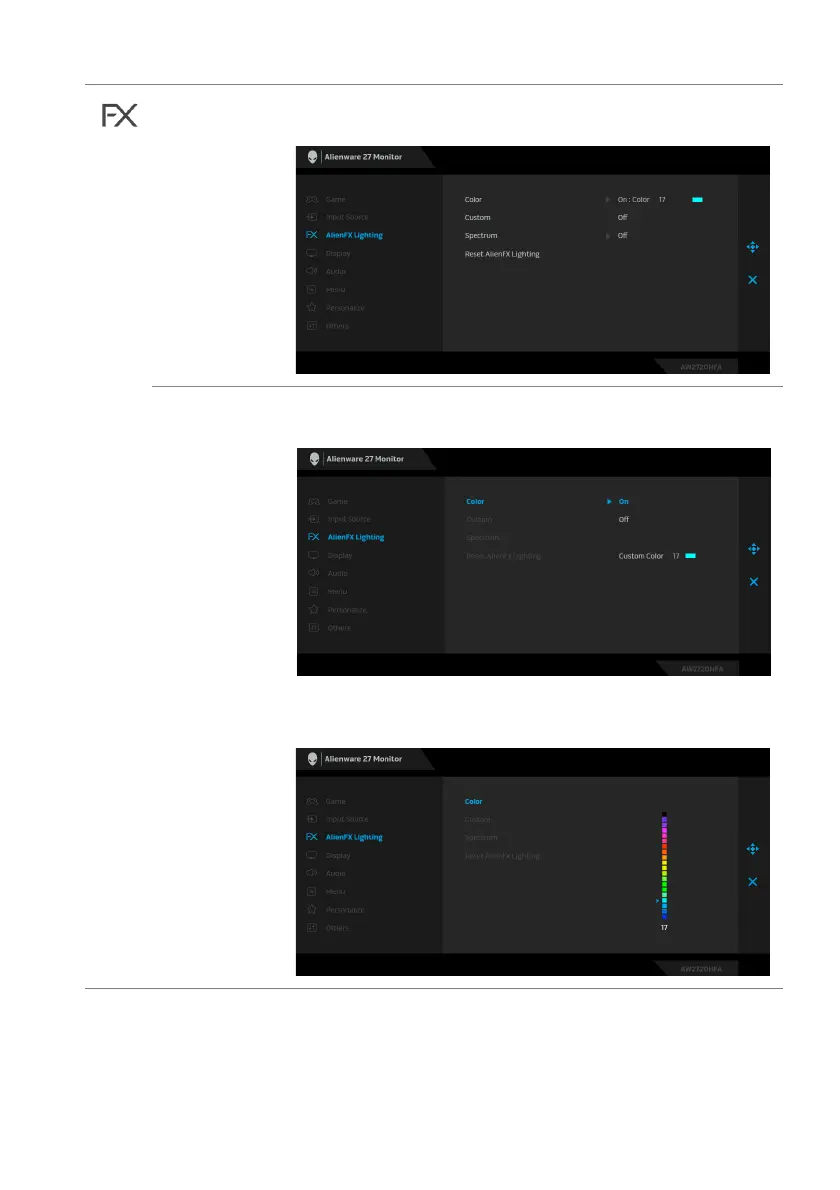
AlienFX
Lighting
Use this menu to adjust the LED light settings for the Power
button, Alienware logo, and the light stripe on the stand.
Color To specify an LED lighting color, select On and move the
joystick to highlight the Custom Color option.
Then you can make a selection from the list of 20 available
colors by moving the joystick up or down.















 To Next Page