Operating the monitor | 45
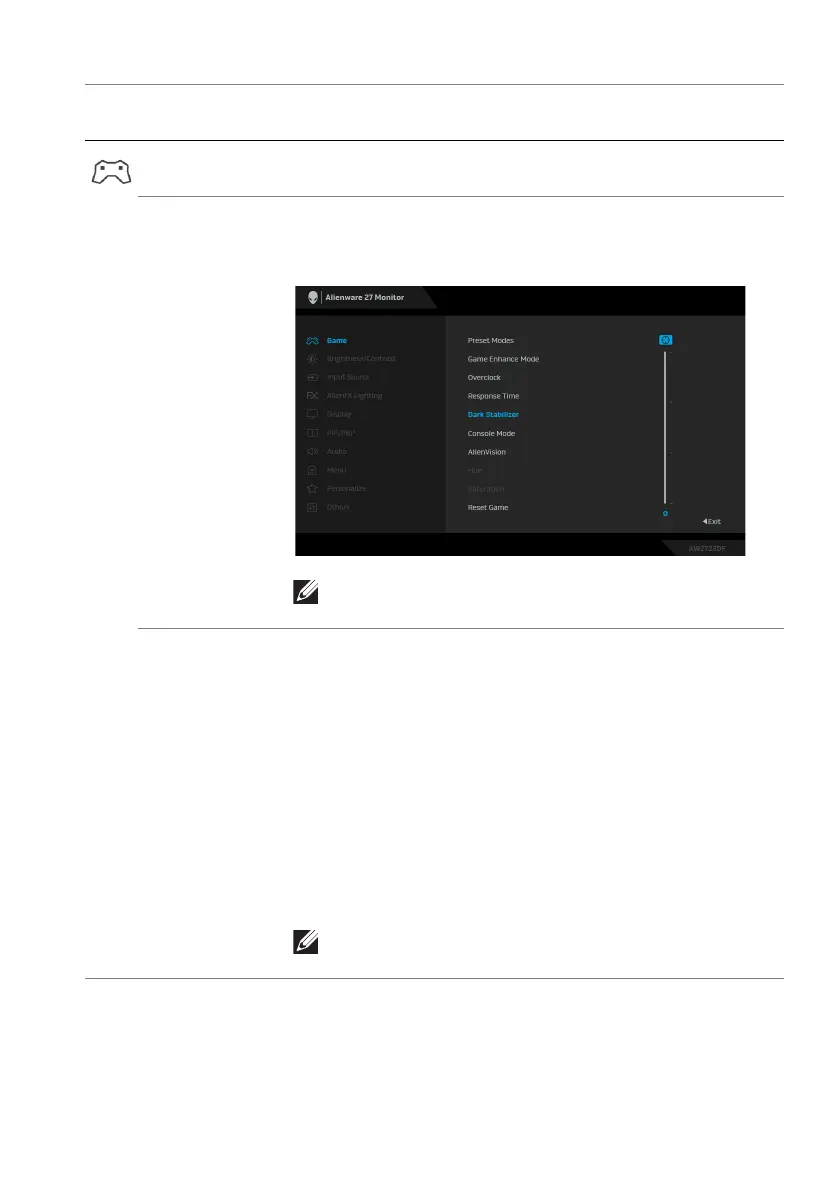
Response Time Allows you to set the Re
sponse Time to Fast, Super
Fast or Extreme.
Dark Stabilizer The feature improves the visibi
lity in the dark gaming
scenarios. The higher the value (between 0 to 3), the
better visibility in dark area of the display image.
NOTE: The feature is disabled when Smart HDR
or PIP/PBP is activated.
Console Mode Adjusts Console Mode to On/Off, Color, or Gamma.
Activat
ing the feature gives the best gaming experience
when playing console games. For more information, see
Console mode.
• On/Of
f: Select to disable the functions under
Console Mode.
• Color:
RGB default 100, and this mode can adjust
RGB from 0 - 100.
• Gamma: Gamma default is at center 2.2.
Selecting
this feature enables you to manually adjust Gamma
from
1.8 - 2.6.
NOTE: Preset modes are not available when
Console mode is turned to “on”.
Icon Menu and
submenu
Description















 To Next Page