Using AlienFX application | 83
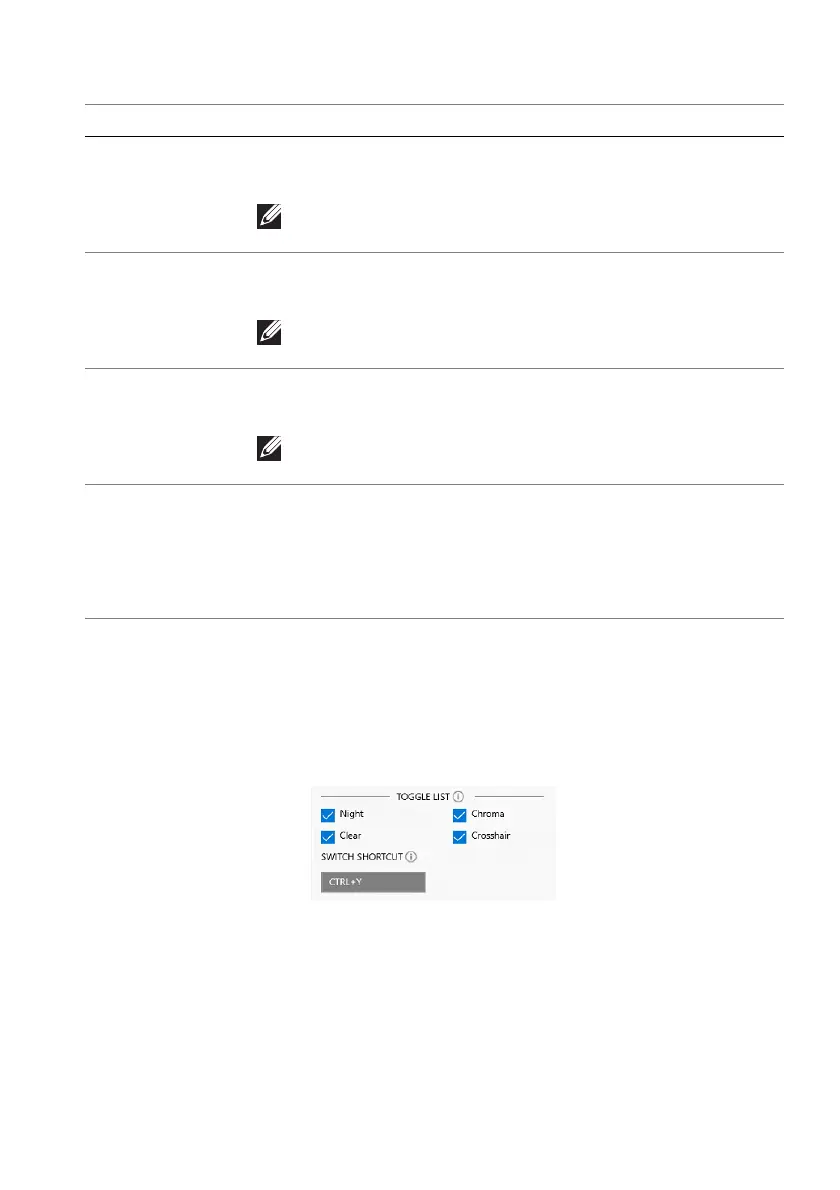
Toggle list
In the TOGGLE LIST section, you ca
n select at least one or more vision modes to
set up the AlienVision toggle list. You can toggle through the list during game
play. To quickly cycle through the different vision modes selected in the toggle
list, you can define a shortcut key.
Feature Description
Size Drag the slider to enlarge the AlienVision window or
resume it to the default size.
NOTE: This feature is not available for the Crosshair
mode.
Sharpness Drag the slider to adjust the sharpness level of the pictures
in the AlienVision window.
NOTE: This feature is not available for the Crosshair
mode.
Heatmap Select a heatmap effect from the dropdown list and apply it
on the in-game objects in the AlienVision window.
NOTE: This feature is available only for the Chroma
mode.
Crosshair
settings
Select the type of crosshair that matches the game play from
the Crosshair Type dropdown list and pick a preferred
color from the CROSSHAIR COLOR MASK options.
For the Night, Clear, and Chroma modes, toggle the
CROSSHAIR switch to switch on or off the feature.















 To Next Page