Operating the monitor | 67
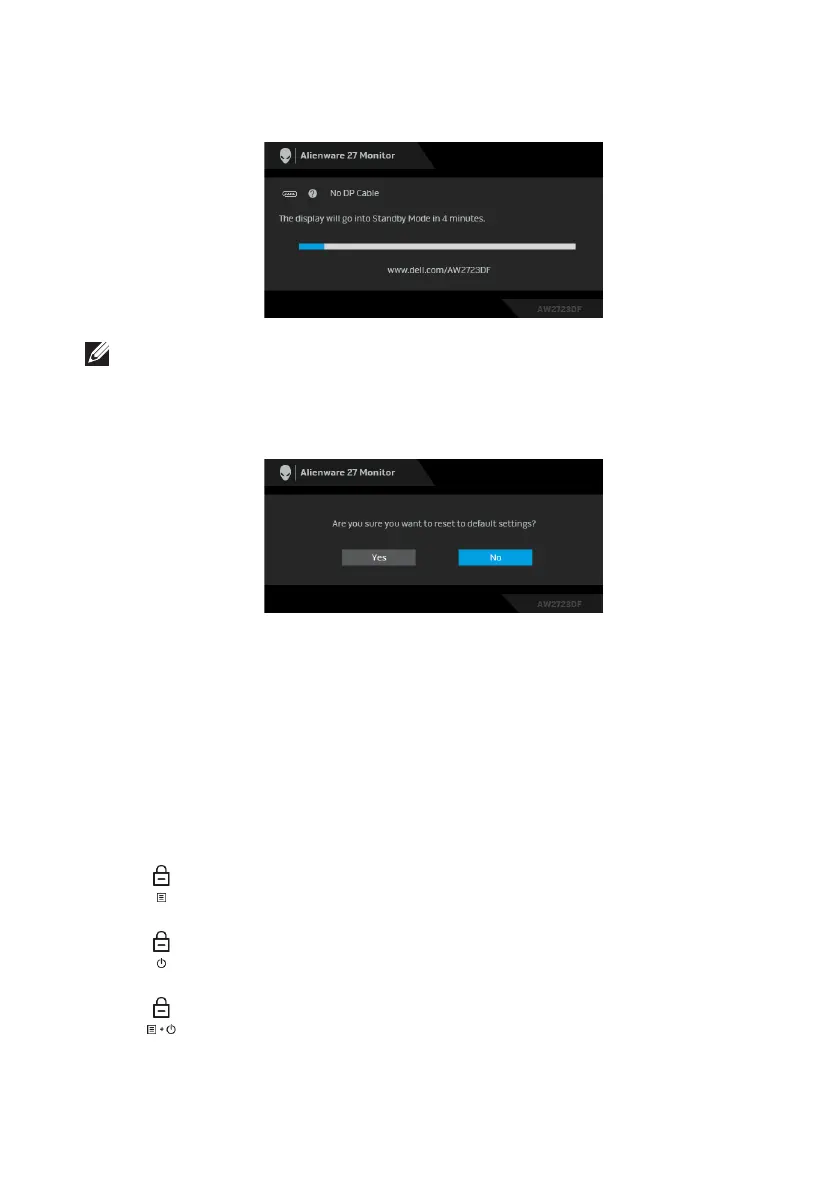
If DisplayPort or HDMI input is selected and the corresponding cable is not
connected,
the following message will appear:
NOTE: The message may be slightly different according to the selected
input signal.
Activate the computer and wake up the monitor to gain access to the OSD.
When Fa
ctory Reset is selected, the following message appears:
See Troubleshooting for more information.
Locking the control buttons
You can lock the monitor control buttons to prevent access to the OSD menu
and/or power button.
1. Move
and hold the joystick forward/backward/left/right for about 4
seconds until a pop-up menu appears
2. M
ove the joystick to select one of the following options:
•
•
•
3. P
ress the joystick to confirm the configuration.
: The OSD menu settings are locked and not accessible.
: The power button is locked.
: The OSD menu settings are not acces
sible and the power button is
locked.















 To Next Page