82 | Using AlienFX application
Settings
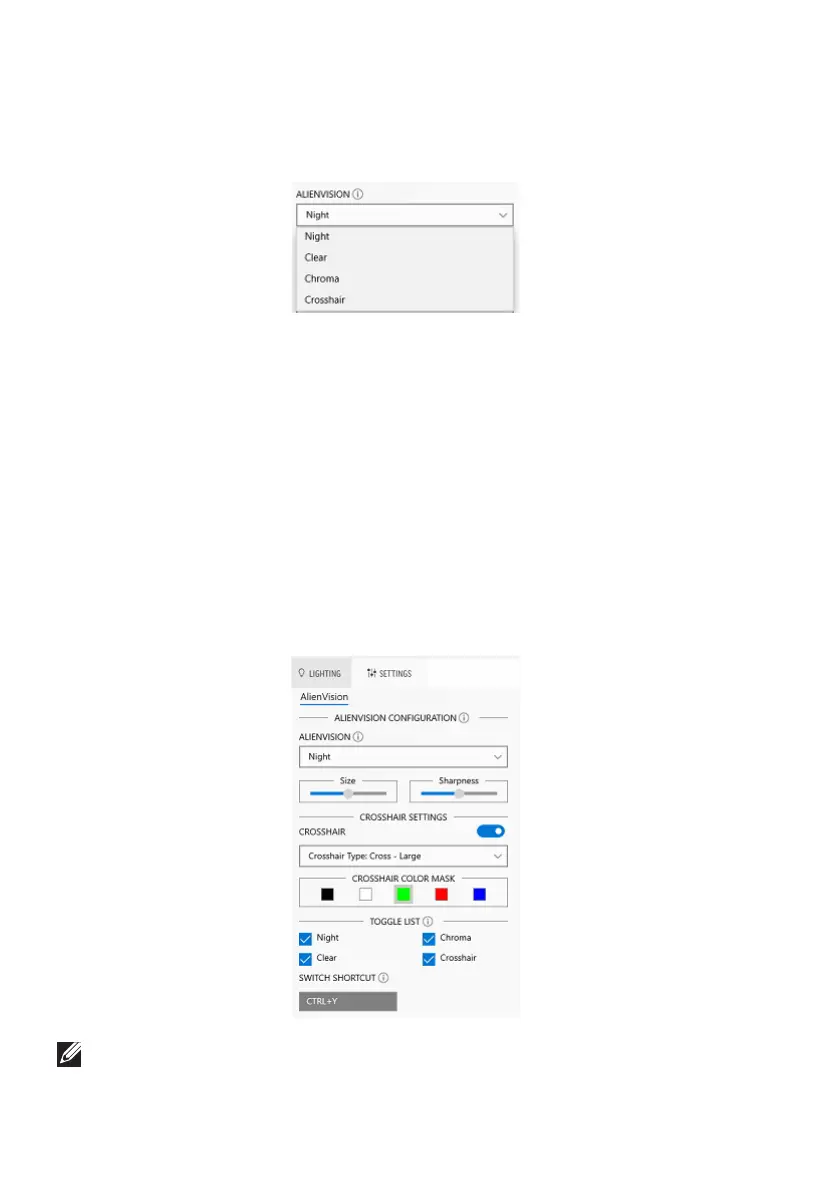
In the SETTINGS panel, click the ALIENVISION dropdown list to select a
vision mode:
• Night: Improves contrast and clarity during dark game scenes.
• Clear: Imp
roves and enhances the details and clarity in a day game scene.
• Chroma:
Dynamically applies a heat map to any game environment to help
differentiate game objects from the background.
• Crosshair: Ensures
that a custom crosshair is always visible so as to assist in
aiming for those tougher fights.
To check the preview of applying the AlienVision effects,
toggle the PREVIEW
switch to the ON state.
Customization of AlienVision
You can customize each vision mode by configuring the
features displayed in the
panel.
NOTE: The available features of each mode are slightly different.















 To Next Page