Operating the monitor | 53
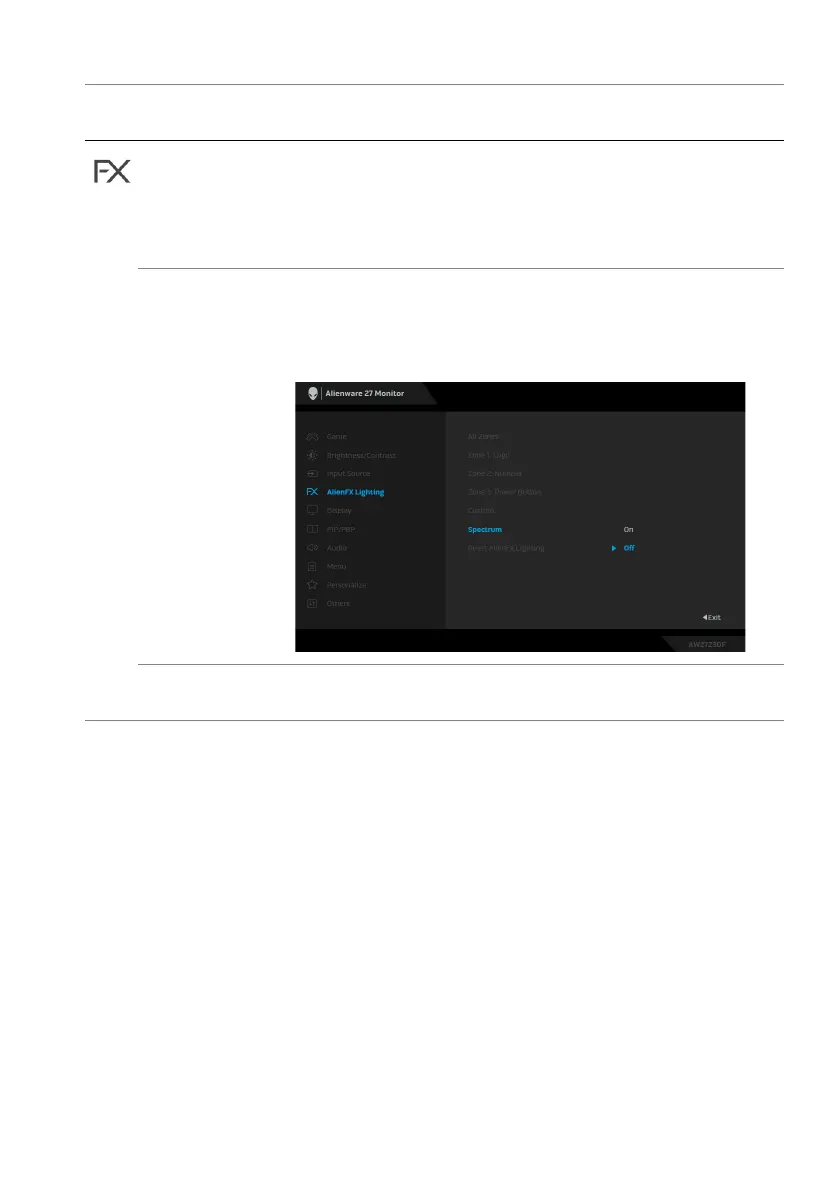
Custom It is a read-only menu. When you use Custom Color or
Spect
rum to make LED lighting adjustments, this menu
status shows Off; when you make the LED lighting
adjustments through AlienFX application, the status
shows On.
Spectrum The default setting is Off. When you sel
ect On, the
AlienFX lights of 3 zones glow and change colors in the
sequence of the color spectrum: red, orange, yellow,
green, blue, indigo, and violet.
Reset AlienFX
Lighting
Resets all settings under the AlienFX Lighting menu to
the factory defaults.
Icon Menu and
submenu
Description















 To Next Page