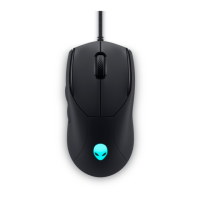
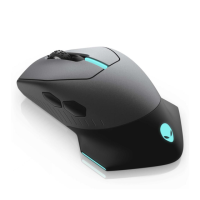
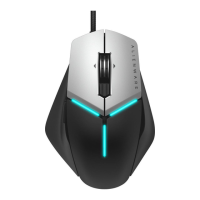
Mouse feature
NOTE: Adjustable DPI ( DPI stands for Dots Per Inch)
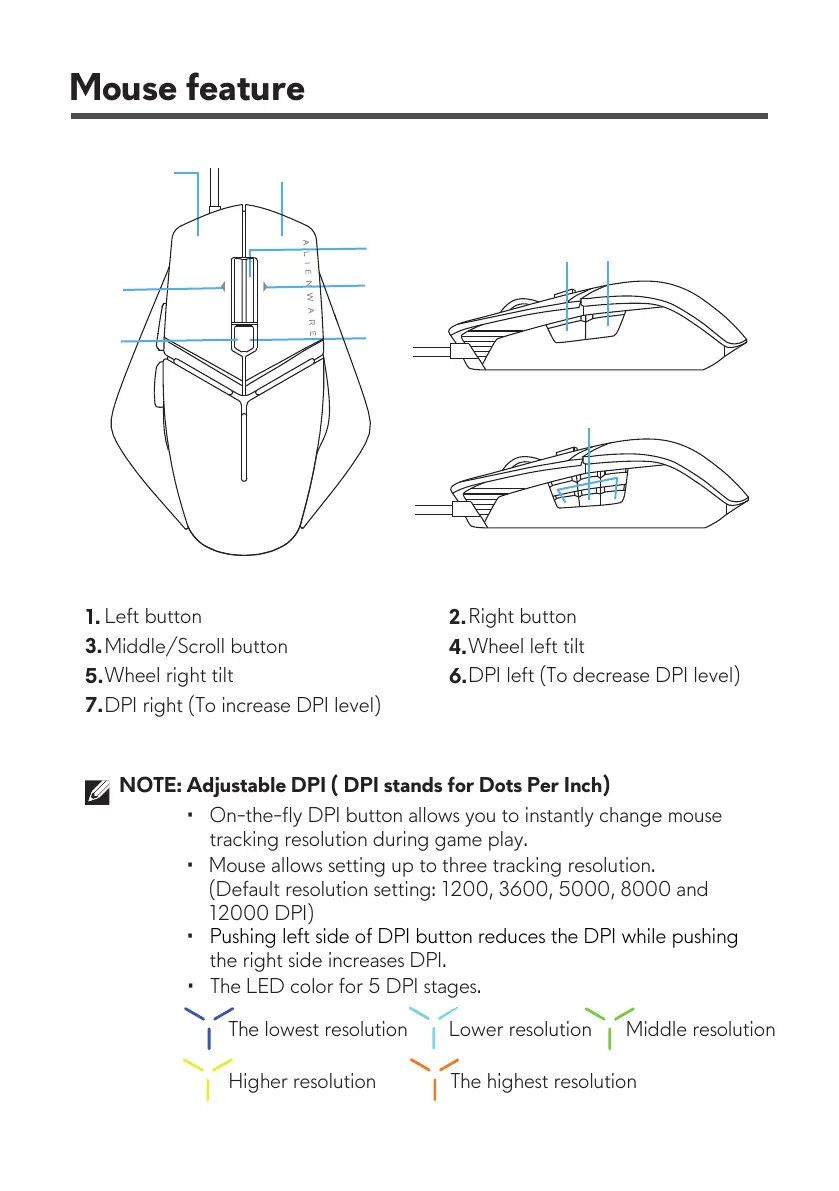
Left button
Mouse allows setting up to three tracking resolution.
(Default resolution setting: 1200, 3600, 5000, 8000 and
12000 DPI)
Higher resolution The highest resolution
1.
Right button
2.
Middle/Scroll button
3.
Wheel left tilt
4.
Wheel right tilt
5.
DPI left (To decrease DPI level)
6.
DPI right (To increase DPI level)
7.
• Onthefly DI button allows you to instantly change mouse
tracking resolution during game play.
•
• Pushing left side ofshing
the right side increases DPI.
• The LED color for 5 DPI stages.
The lowest resolution Lower resolution Middle resolution


 To Next Page