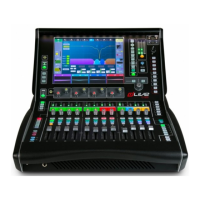
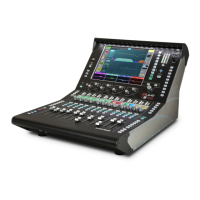
3. Front Panel
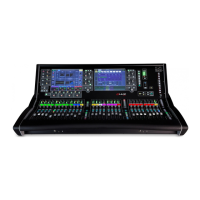
Channel Processing – Press a fader strip Sel key to access the
processing for the input or mix channel assigned to it. Read the Harmony UI
paragraph below for further information.
Touchscreen – Single or twin 12” capacitive touchscreen with gesture
control and daylight visibility. Read the Harmony UI paragraph below for further
information.
Main / PAFL meters – LCR meters with PAFL active indicator. Press PAFL
Clear to cancel any active PAFL.
USB ports – The upper port is dedicated to stereo WAV file recording and
playback. The lower port is for data transfer of Show files, Libraries, event logs and
firmware updates.
Phones – Analogue volume control for the headphones output.
SoftKeys – 19 user assignable keys. Assign functions using the Surface /
Control / SoftKeys screen.



 To Next Page
 Loading...