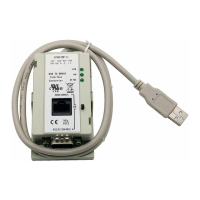
10 Universal Serial Bus (USB) to DH-485 Interface Converter
Publication 1747-IN063C-EN-P - January 2006
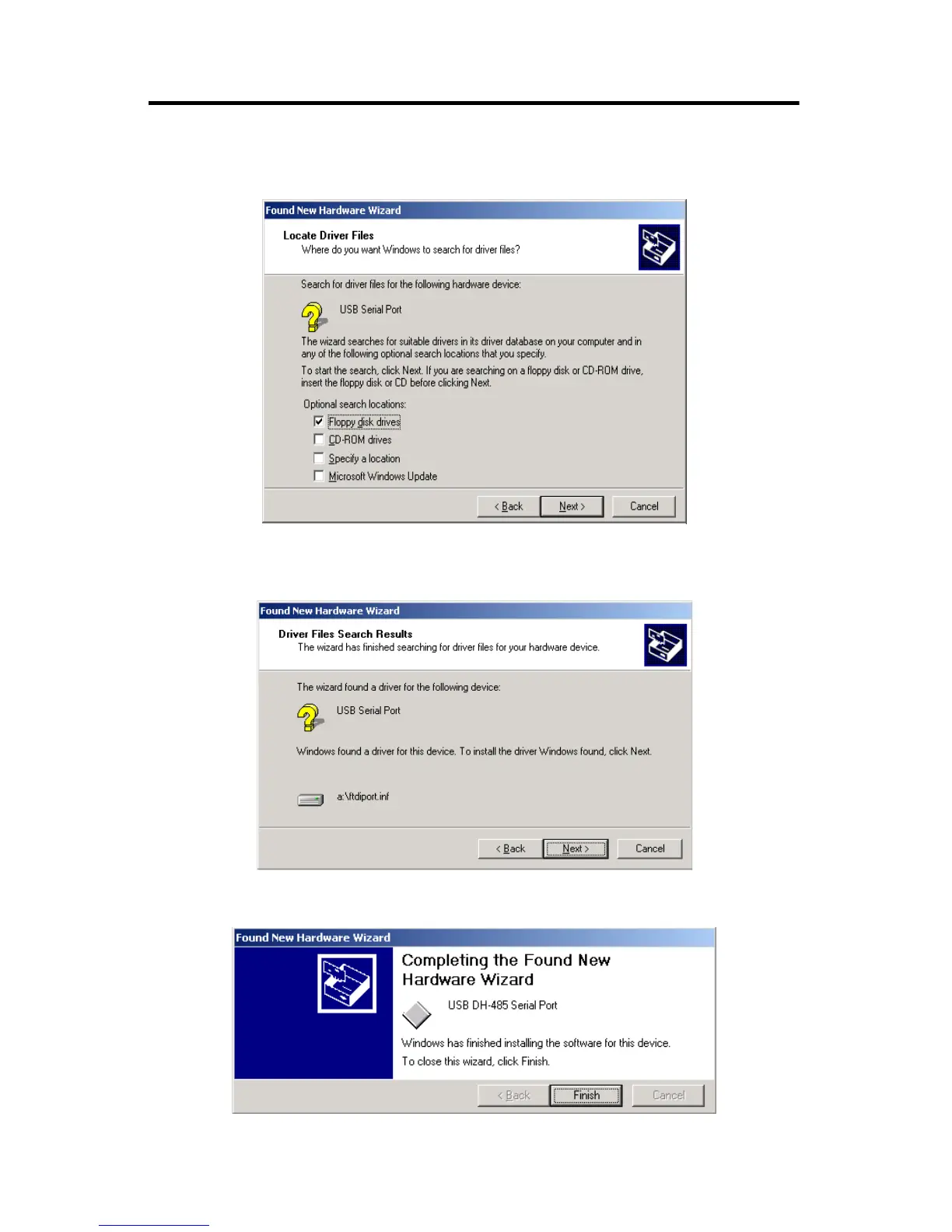
11. When the Locate Driver Files screen appears, select Specify a location,
Floppy disk drives, or CD-ROM drives, and click Next.
12. When the wizard indicates that it has found the driver for the USB Serial
Port, click Next.
13. Click Finish to complete the installation of the USB Serial Port.


 To Next Page
 Loading...