Rockwell Automation Publication CNET-IN005A-EN-P - May 2011 33
Chapter
4
USB Communication
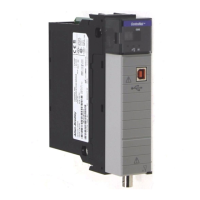
The 1756-CN2/B, 1756-CN2R/B, and 1756-CN2RXT ControlNet modules
support USB communication.
Set Up a USB Driver
To configure RSLinx software to use a USB port, you need to first set up a USB
driver. Before you begin, make sure you have the correct version of RSLinx
software.
To set up a USB driver, perform this procedure.
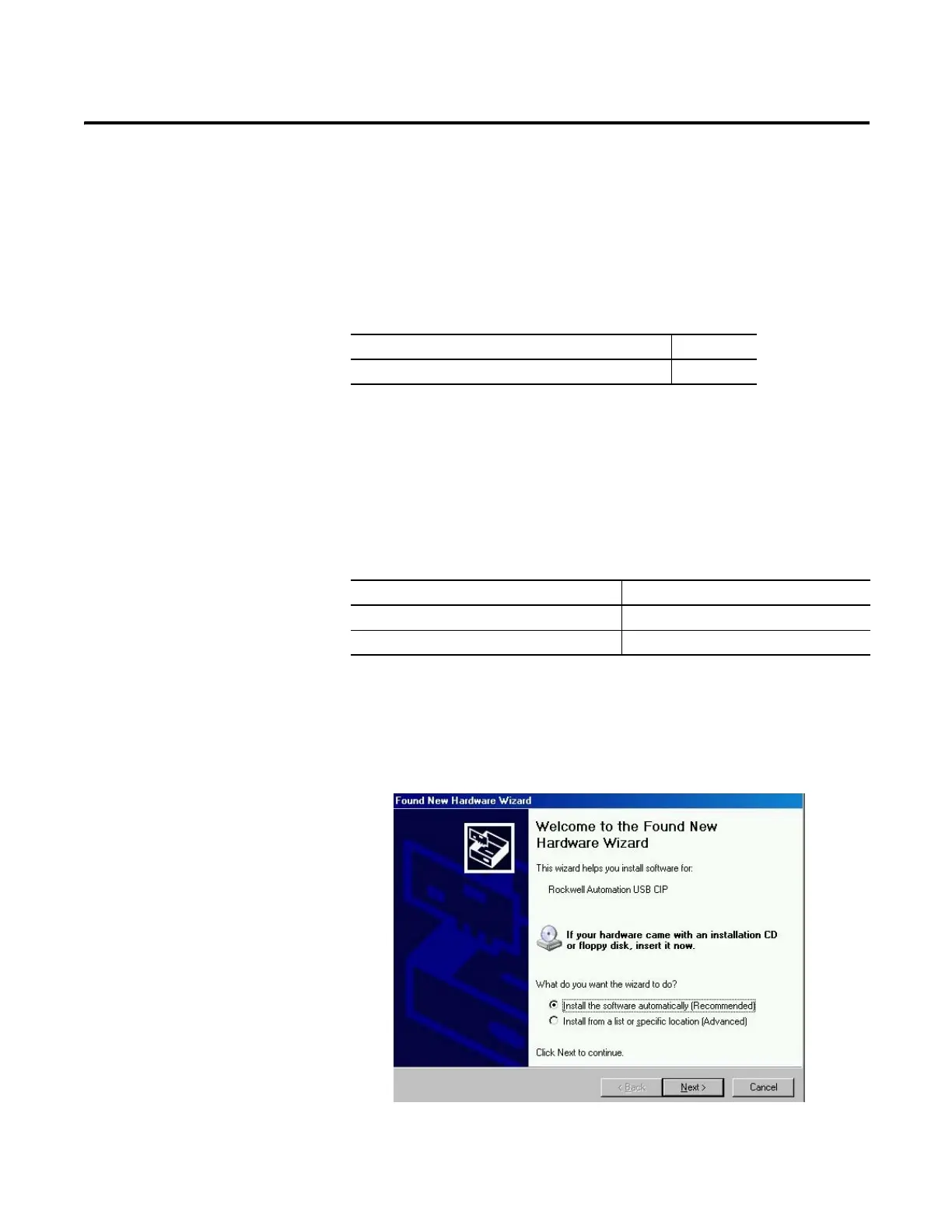
1. Connect your ControlNet module to your computer by installing a USB
cable in your module’s USB port.
The RSLinx Found New Hardware Wizard dialog box appears.
Topic Page
Set Up a USB Driver 33
ControlNet Module Required Version of RSLinx Software
1756-CN2RXT 2.55 or later
1756-CN2/B or 1756-CN2R/B 2.51 or later


 To Next Page
 Loading...