© Copyright, Alliance Laundry Systems LLC – DO NOT COPY or TRANSMIT
Operation
29
201932
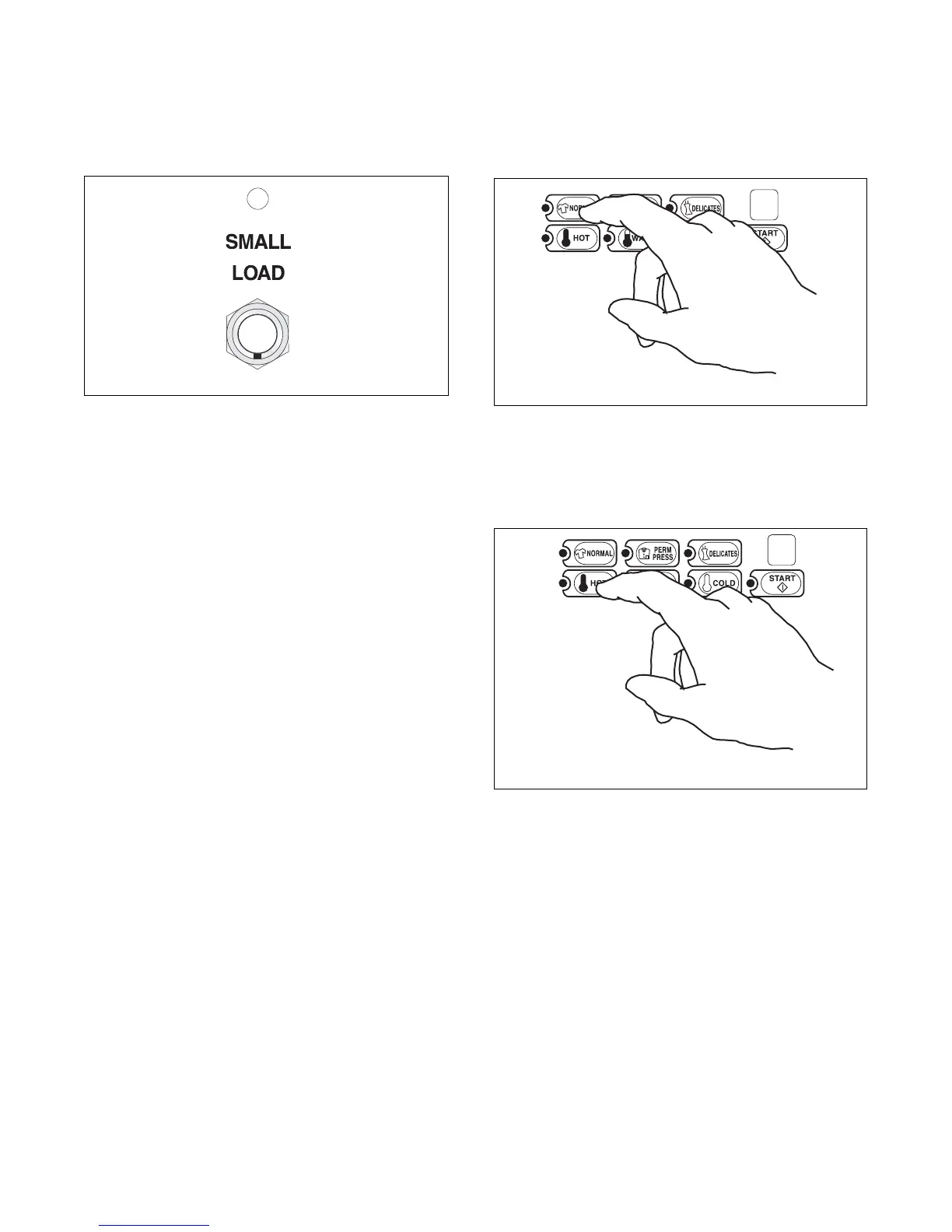
Step 4: Choose Small Load, if Desired
Press SMALL LOAD button. SMALL LOAD
indicator light will be lit.
Any time the lid is opened, the SMALL LOAD option
will turn off and the washer will fill to the normal level.
The SMALL LOAD indicator light will be off.
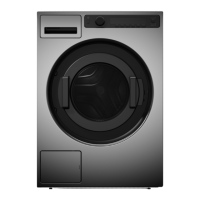
Step 5: Set Fabric Selector
Push touchpad for NORMAL, PERM PRESS or
DELICATES. Light indicates selection.
Figure 46
Step 6: Set Wash Temperature
Push touchpad for HOT, WARM or COLD. Light
indicates selection.
Figure 47
TLW2049N
Figure 45
W524I
W525I
W525I



 To Next Page