Chapter 2: Installation
22
Installing a Media Converter in an AT-TRAY4 for
Rackmounting
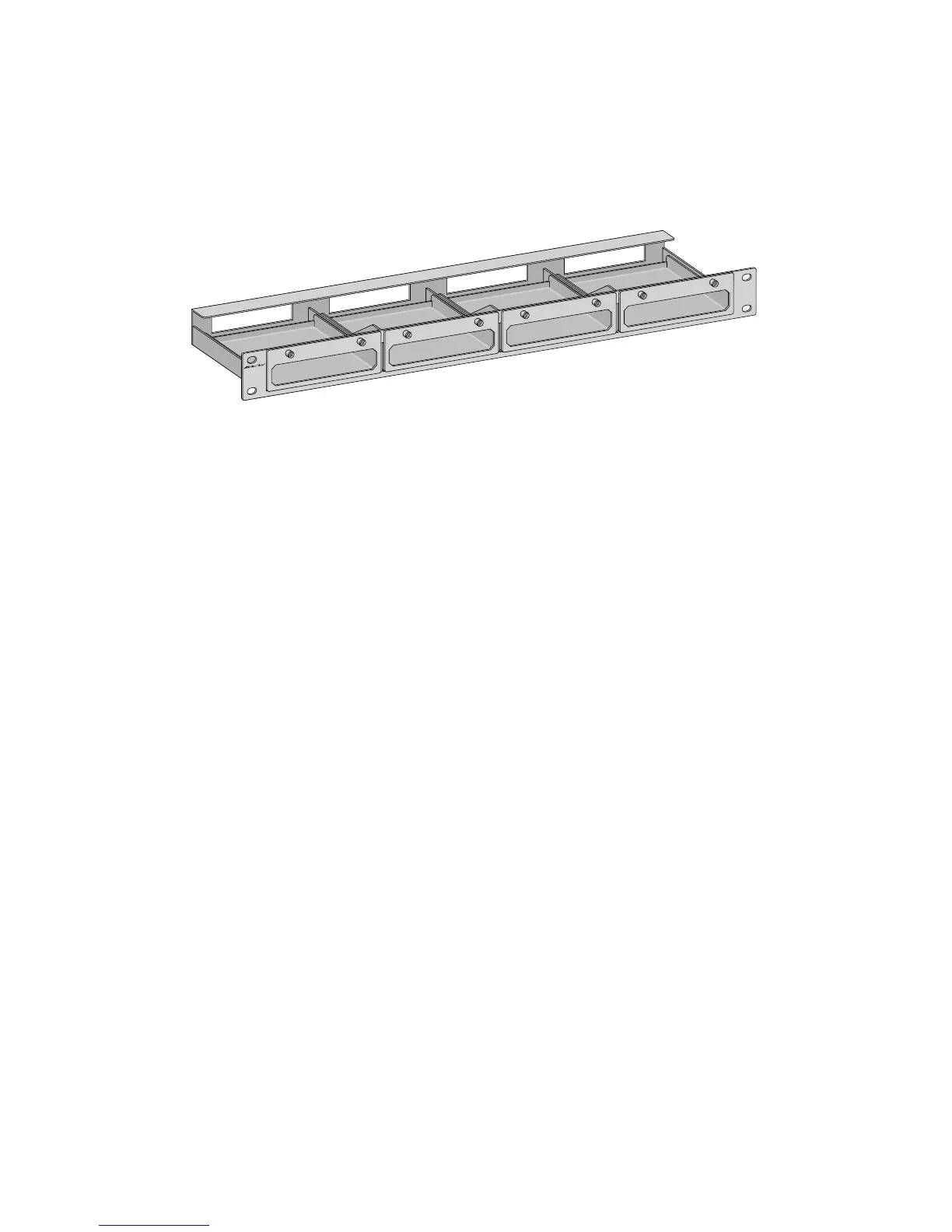
The AT-TRAY4, shown in Figure 14, is a "shelf" style unit designed to
hold up to four Allied Telesyn media converters for rackmounting.
Figure 14. AT-TRAY4 Rackmounting Tray
For installing the media converter in an AT-TRAY4 bracket, refer to the
AT-TRAY4 Rackmounting Bracket Installation Guide (613-50366-00), that
comes with the unit.
A
T
-T
R
A
Y
4



 To Next Page
 Loading...