40
7.Trouble shooting
If the situation of autoclave correspond to following item(①or②) when you ask for repair
autoclave, make autoclave and accessories to be non-polluting condition.
① Part of autoclave is exposed to infectious substance or radioactive substance.
② Blood or other hazardous components for human body adhere to part of autoclave.
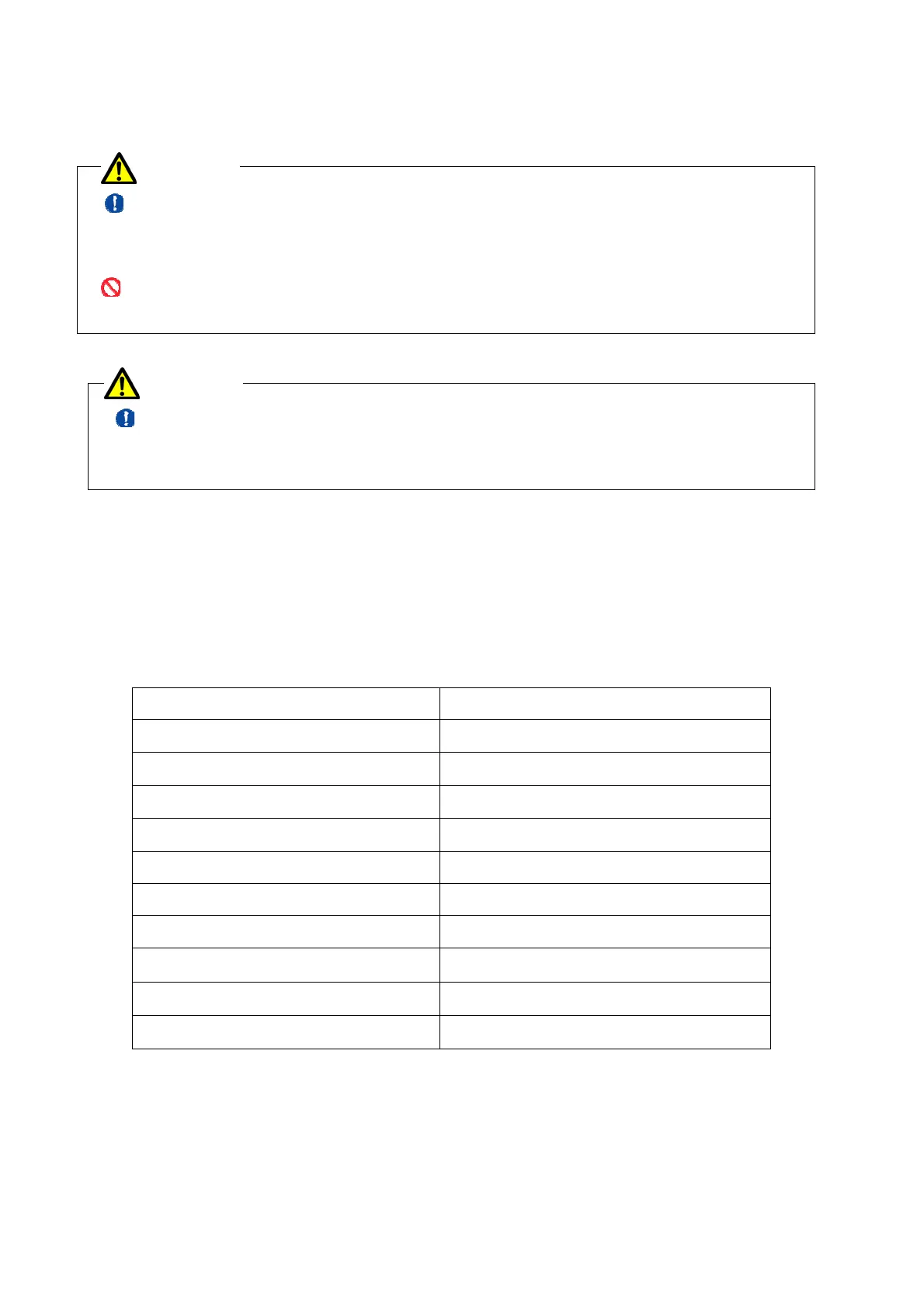
Do not touch power switch(breaker) by wet hand.
It may cause electric shock.
When water lack alarm sounds, turn off power switch(breaker) and leave autoclave as it is at
least one hour because the chamber is high temperature. Then pour water into chamber, or it
may cause heater trouble.
In case of trouble happening despite you operate correctly following this instruction manual,
check the cause and suitable treatment stated on below table. If you cannot find out proper
article on below table, or if it is difficult to treat, turn off power switch(breaker). Then
contact local distributor and notify serial number of the autoclave.
7.1 Error list
Error number Error content
Er0 Memory error
Er1 Water lack / over pressure
Er21 Control sensor error
Er22 Temperature sensor error
Er3 Over temperature error
Er4 Inter lock error
Er6 Clock error
Er7 Water supply error
Er8 Printer error
Er9 Lack of printer paper
※Refer to 7.2 Trouble shooting about causes and countermeasures of the errors.
CAUTION
WARNING


 To Next Page
 Loading...