36
Alpha InTec² 26E, 30CE and 35CE - Routine Servicing
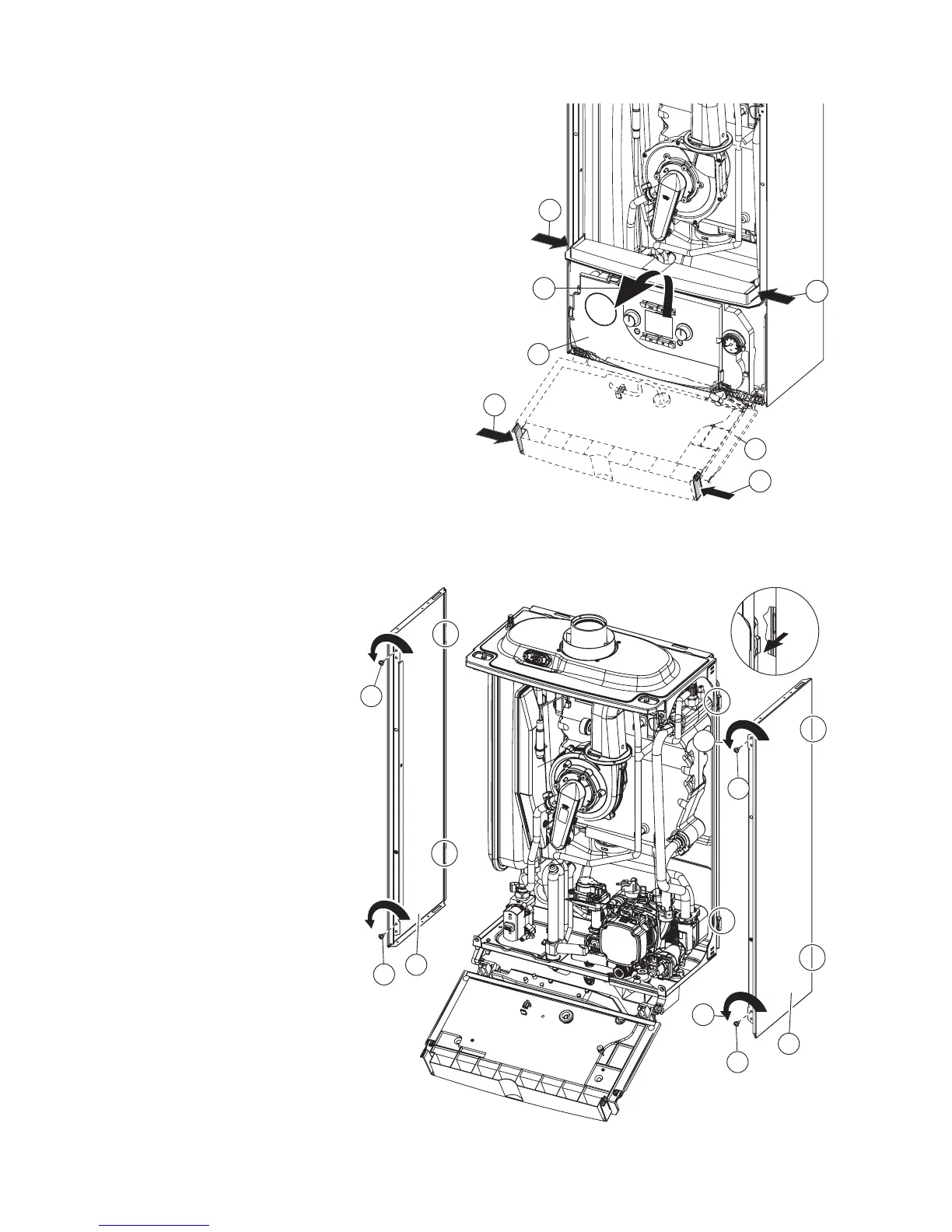
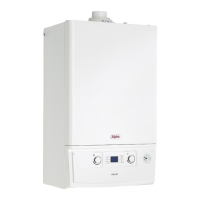
Control panel - Fig. 6.3
6. Press the hooks on the side of the control panel (G).
7. Tilt the control panel (G) towards you.
7
G
G
6
6
6
6
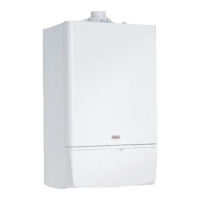
Side panels - Fig. 6.4
8. Remove the screws 'H' securing the side panel 'I'. Lift
the side panel and pull it forwards unhooking it from
the rear panel (view 'A' in Fig. 6.4) Lower the panel
out and away from the top cover.
Fig. 6.3
Fig. 6.4
I
H
A
A
H
8
I
H
8
A
A
A
H
A
View A



 To Next Page