3/9
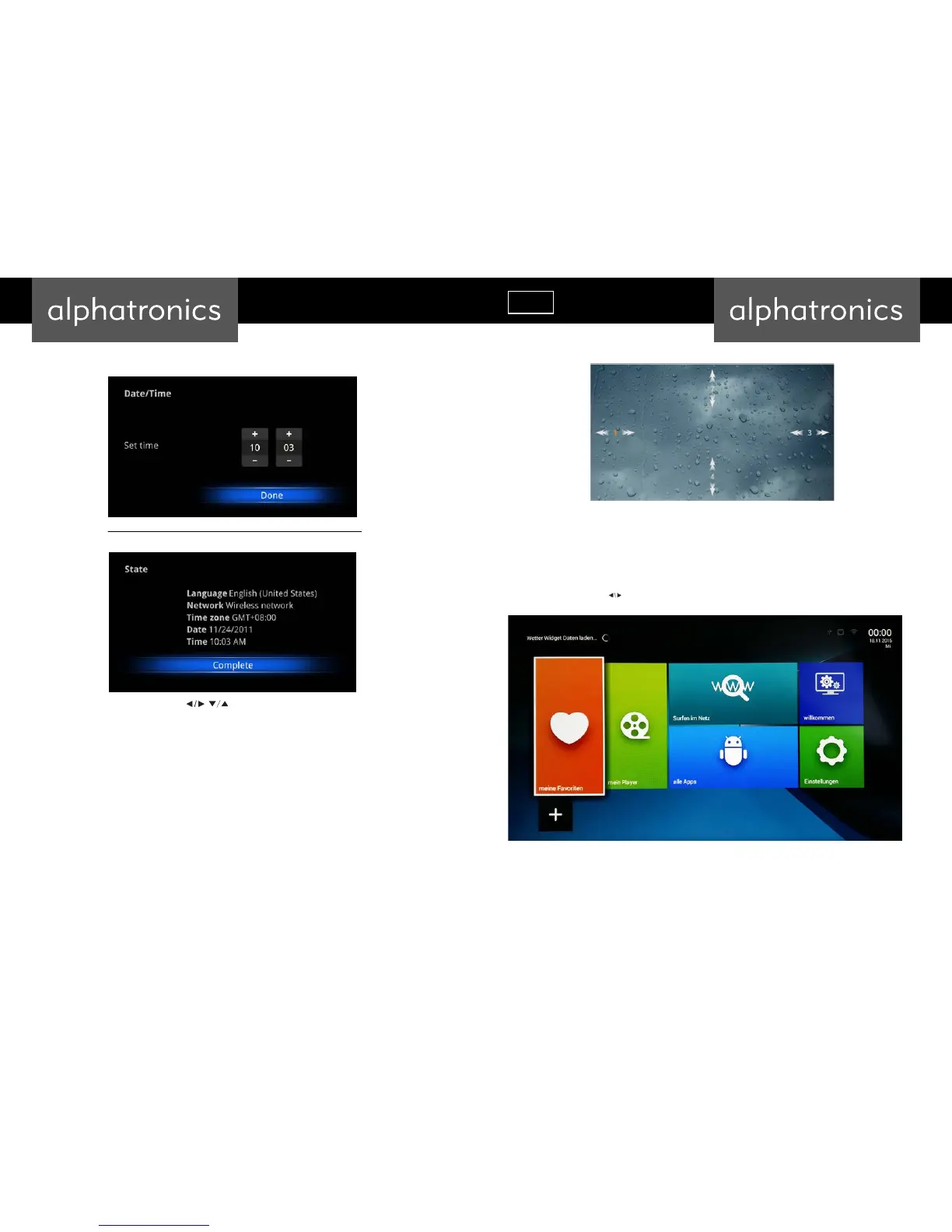
If network is not connected, setup the date and time:
Configuration Result:
Adjust screen size, using the arrow buttons on remote control:
User can setup Language, Network, Time Zone, Data/Time, and adjust screen size.
If you want to skip this wizard, press “HOME” key. If you have finished this wizard once, it will not auto-open again
when system is booting unless you run the application “Welcome”.
Main Launcher
Press the arrow buttons to select the icon and ‘ENTER’ the sub-screen:



 To Next Page