Type Format
H.264 (MKV, AVI, TS, M2TS, MOV, WMV, MP4, FLV)
DIVX (AVI)
MPEG1, MPEG2,MPEG4 (RM, VOB, MPG, MPEG,
TS, M2TS)
VC1
Video (Upper to 1080P)
WMV
MP3
WMA
AAC
OGG
WAV
Audio
M4A
BMP
JPG/JPEG
GIF
Picture (Resolution < 20M)
PNG
Apps Briefdescription
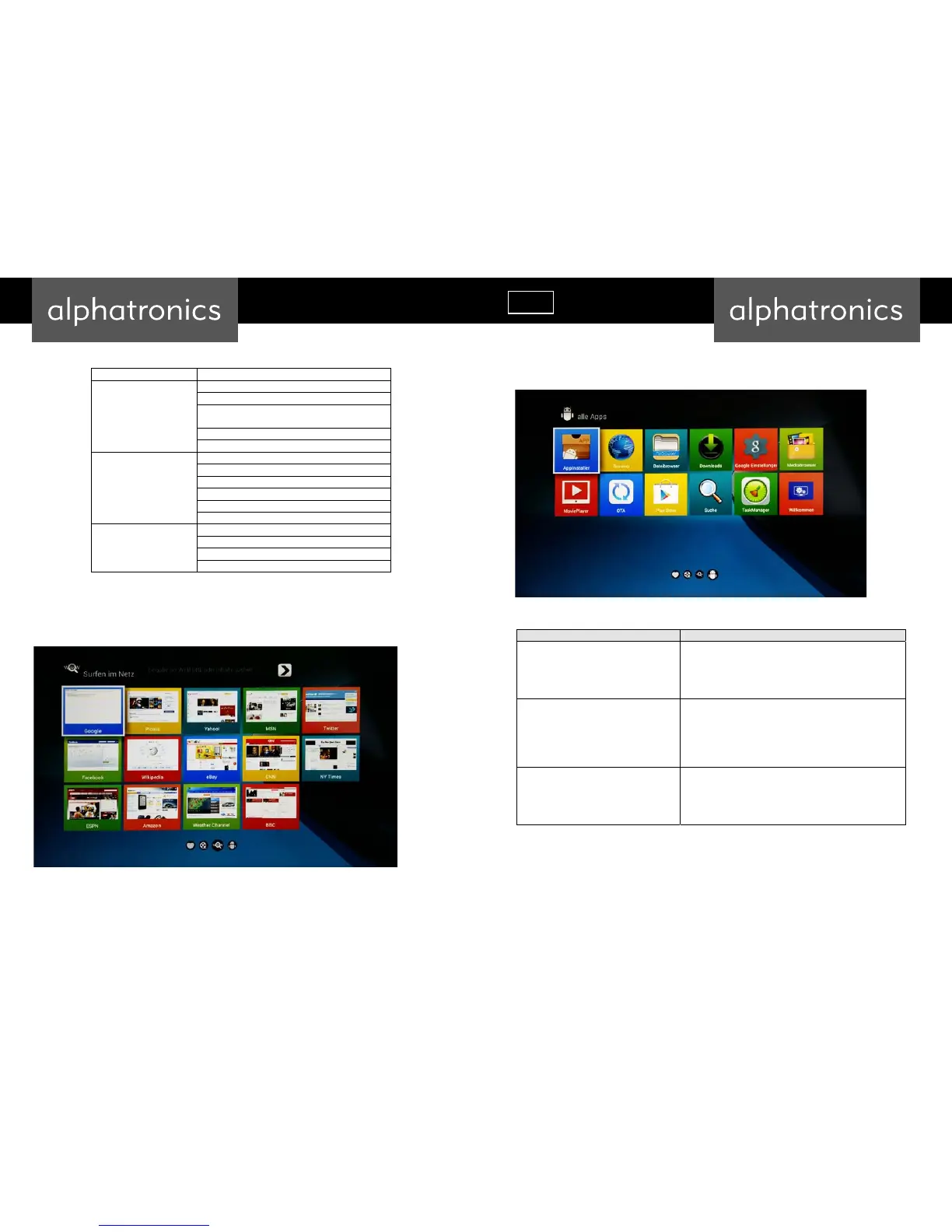
InstallfromApkInstaller
1. Open the ApkInstaller.
2. Find the icon of the application, and enter it.
3. Press the install button.
4. You can find the application in “App manager” after
installation.
InstallfromFilebrowserU‐disk
1. Open the “File Manager”.
2. Choose your U-disk or any other mass storage’s folder.
3. Find you application, and press it.
4. Press the install button.
5. You can find the application in “App manager” after
installation.
TaskManager
You can manage applications as follows:
Running App Process
Running Service
Running Task
Recent Task
All apps
Bookmarks



 To Next Page