EasyManua.ls Logo

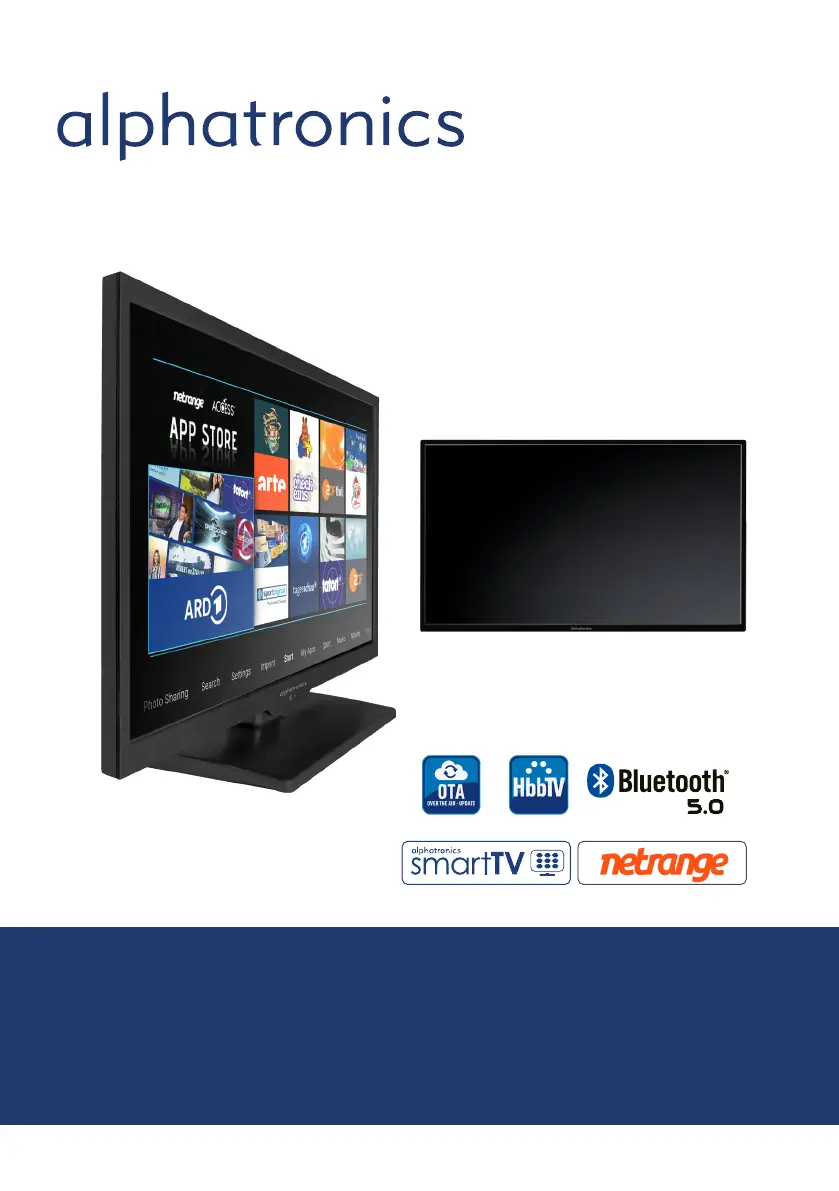
alphatronics SL DSBAI+ Series - User Manual

alphatronics SL DSBAI+ Series
80 pages
Go to English
Print Icon
To Next Page IconTo Next Page
Loading...
www.alphatronics.de
Hergestellt in Deutschland
Bedienungsanleitung / User manual
Modell SL-xx DSBAI+

Questions and Answers

  • S
    Suzanne MccoyAug 14, 2025
    What to do if my alphatronics LED TV remote control is inoperative?
    • C
      clarkjonathanAug 14, 2025
      If the remote control isn't working, check for any light or obstacles interfering with the remote control signal and try moving the unit to another location. Also, the batteries might be dead, so try replacing them with new ones.
  • T
    Tracy AndersonAug 18, 2025
    How to fix alphatronics LED TV with no picture on the screen?
    • C
      Cameron GarciaAug 18, 2025
      If there's no picture on your alphatronics LED TV screen, first, ensure that the power is turned on. Then, adjust the brightness and contrast settings. Check the input signal of the TFT-LCD/LED and the power connection to the unit with the screen. Finally, verify the Main Display selection.
  • W
    wilsonhannahAug 21, 2025
    Why is there no sound on my alphatronics LED TV?
    • L
      Lisa JonesAug 21, 2025
      If there is no sound on your alphatronics LED TV, check the speaker line connections. Also, the sound might be muted, so try adjusting the volume.
  • E
    Ellen GuzmanAug 25, 2025
    What to do if my alphatronics LED TV picture is not clear?
    • M
      mikereillyAug 25, 2025
      If the picture on your alphatronics LED TV is not clear, check that the video cable is plugged in. For further adjustments, refer to the Picture Adjustments Menu in the OPERATING INSTRUCTIONS.
  • H
    Heather WeaverAug 28, 2025
    Why is my alphatronics LED TV image fuzzy?
    • I
      igarciaAug 28, 2025
      If the image on your alphatronics LED TV is fuzzy, it could be due to failing power. Try connecting the unit to another power outlet. Also, move the unit away from magnetic equipment such as Wireless Receivers or AC Transformers. For further adjustments, refer to the Picture Adjustment Procedure Menu in the OPERATING INSTRUCTIONS.
  • J
    Jennifer BarberAug 31, 2025
    What to do if only one speaker operates on my alphatronics LED TV?
    • A
      Ann WallAug 31, 2025
      If only one speaker is working on your alphatronics LED TV, check the audio wire connections with the source device. Also, ensure that the unit's speaker wires are securely connected.
  • S
    sanchezdanielSep 3, 2025
    Why are the colors distorted on my alphatronics LED TV?
    • R
      rickey49Sep 3, 2025
      If the colors are distorted on your alphatronics LED TV, check that the video cable is plugged in securely.
  • K
    Kristen BergerSep 7, 2025
    What causes screen bounces or wavy oscillations on alphatronics LED TV?
    • M
      Margaret Scott DVMSep 7, 2025
      If your alphatronics LED TV screen bounces or has wavy oscillations, check the video input range (V-sync Max. 75Hz, H-sync Max.48.08KHz). Also, make sure the video cable connections are secure.
  • D
    Dennis KellySep 10, 2025
    What to do when all else fails on alphatronics LED TV?
    • V
      Victoria MooneySep 10, 2025
      If all else fails on your alphatronics LED TV, pull the AC plug off, wait for 1 minute, and then plug the power in again.

alphatronics SL DSBAI+ Series Specifications

General IconGeneral
USB Ports1
CI+Yes
Display TechnologyLED
Aspect Ratio16:9
Refresh Rate60 Hz
Resolution1366 x 768
TunerDVB-T2/C
Viewing AngleH:178° / V:178°

Related product manuals