53
ENGLISHENGLISH
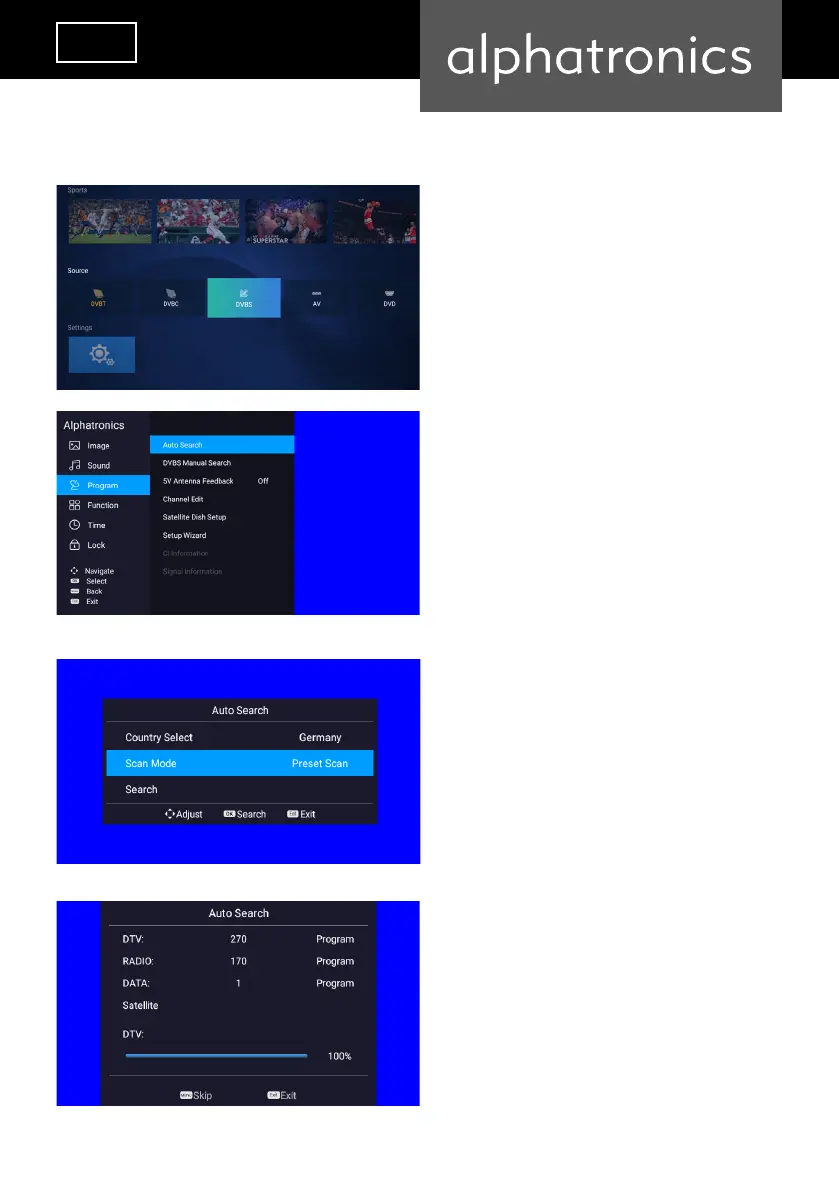
Use the arrow keys to select „DVB-S“ and conrm
with the „Enter“ key.
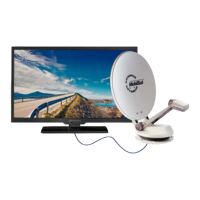
Then press the MENU button. Use the arrow keys to
select the „Program“ menu and conrm with „Enter“
key. Select the menu item „Automatic Search“ and
conrm with „Enter“.
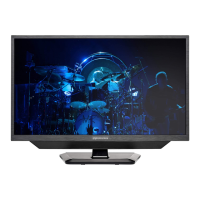
Use the down arrow key to select „Scan Mode“ and
then use the left/right arrow keys to select „Preset
Scan“.
Then use the down arrow key to push “Search”, then
conrm again with „Enter“.
DVB-S
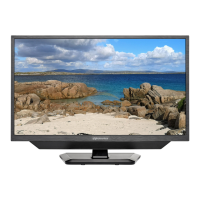
The default channel list has been loaded.


 To Next Page