48
The individual steps of the initial commissioning
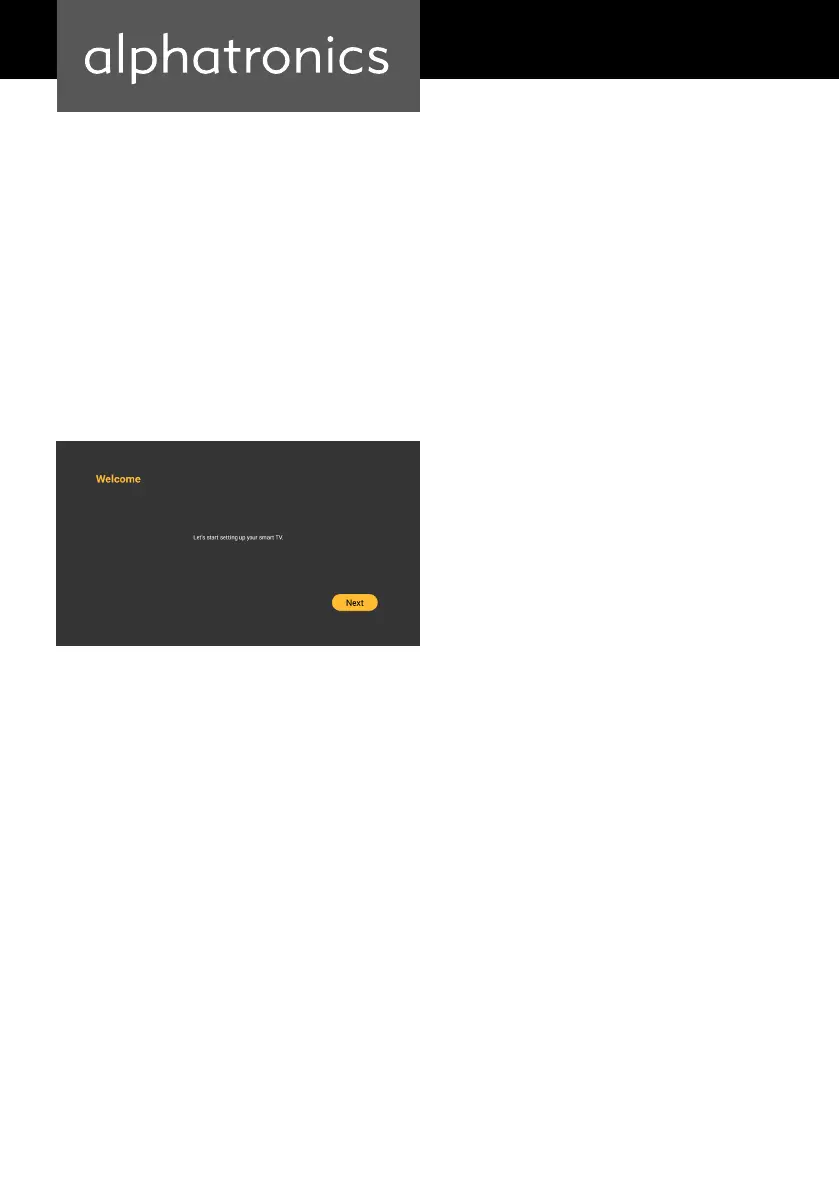
Important options must be set during the rst commissioning of the device. Press the „Enter“
button on the remote control to begin the initial installation.
INITIAL SETUP
Before setup, please connect your TV set to a suitable power connection. For your convenience,
we have already installed a channel list for DVB-S2 reception.


 To Next Page