73
ENGLISHENGLISH
DVD - drive / controls
1. Switch on the DVD function: Switch on the TV and press repeat the SOURCE button until
the DVD mode is selected.
2. Insert the disc in the DVD player: Insert the disc with the labeled side facing back into the
DVD player. The disc will be loaded automatically. “Close” and then “read” will appear on
the screen. When the contents of the disc are loaded, playback starts automatically. If the
disc is already in the slot, it will be read automatically.
3. Note: The DVD player is operated with the remote control.
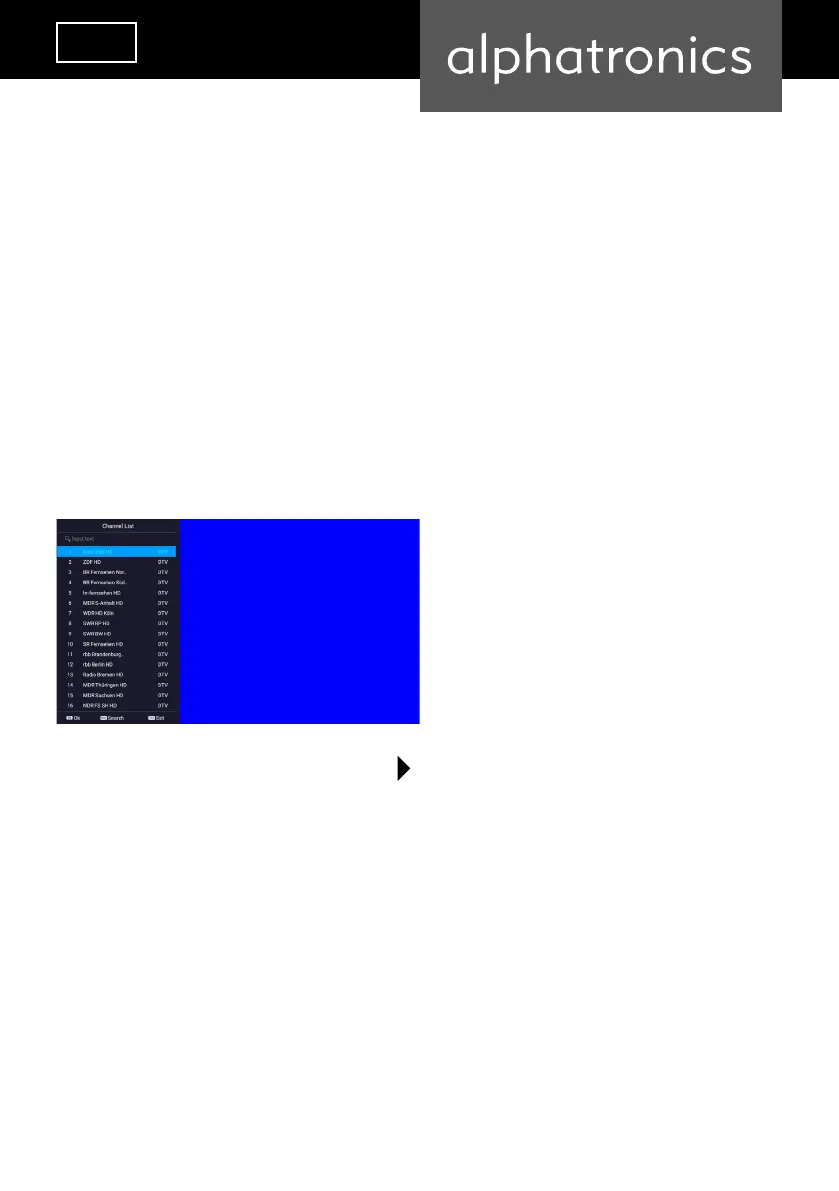
Select channel directly
Enter the channel number. Press the button
and conrm with the „OK“ button.


 To Next Page