Systemsettings Briefdescription
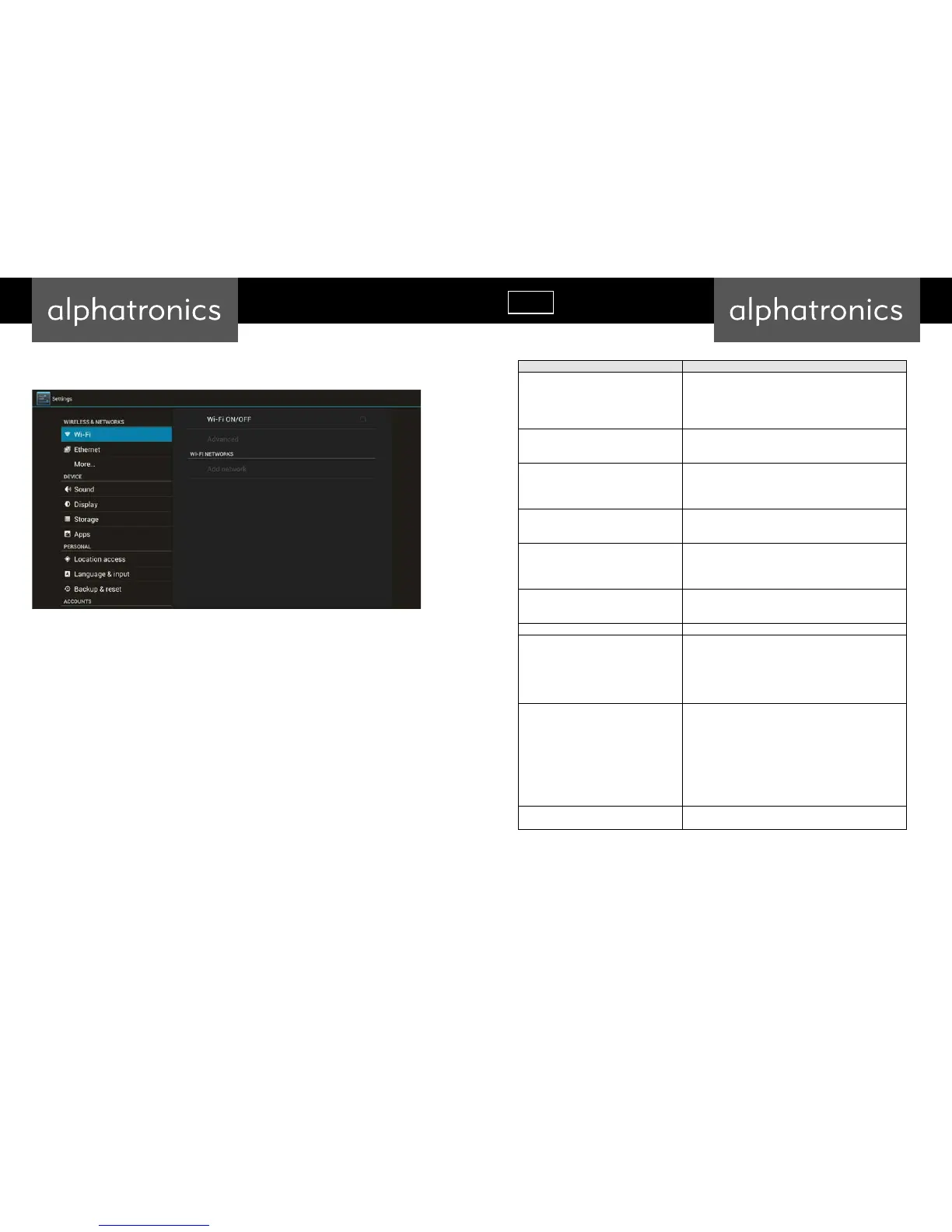
Wireless&networks
ChecktoturnonWi‐FisoyoucanconnecttoWi‐Finetworks
ChecktoreceiveanalertwhenanopenWi‐Finetworkbecomes
available
OpensadialogwhereyoucanaddaWi‐Finetworkby
enteringitsSSID(thenameitbroadcasts)andsecuritytype
Display
HDMIautooutputmode
AutomatchTVbestresolution
Setyourdisplayposition(overscanratio)
Applications
CompatibilityMode
Manageapplications
Runningservices
Storageuse
BackupandResettofactorydefaults
Thiswillerasealldatafromyou rdevice’sinternalstorage
Toalsoclearmusic,pictures,andotherdata,theSDcardneedsto
beerased
Storagesettings
Total space
Availablespace
EraseUSBstorage
Availablespaceofinternalstorage
Language&Keyboar d
Selectlanguage
Userdictionary
Androidkeyboard
Systemupdates UpdatingsystembyOTA
Date&time
Automatic
Setdate
Selecttimezone
Settime
Use24‐hourformat
Selectdateformat
AboutDevice
Status
Modelnumber
Androidversion
Basebandversion
Kernelversio n
Buildnumber
Wi‐FiIPaddress
Wi‐FiMACaddress
Setwallpaper
You can change your wallpaper into live ones or other beautiful
pictures



 To Next Page