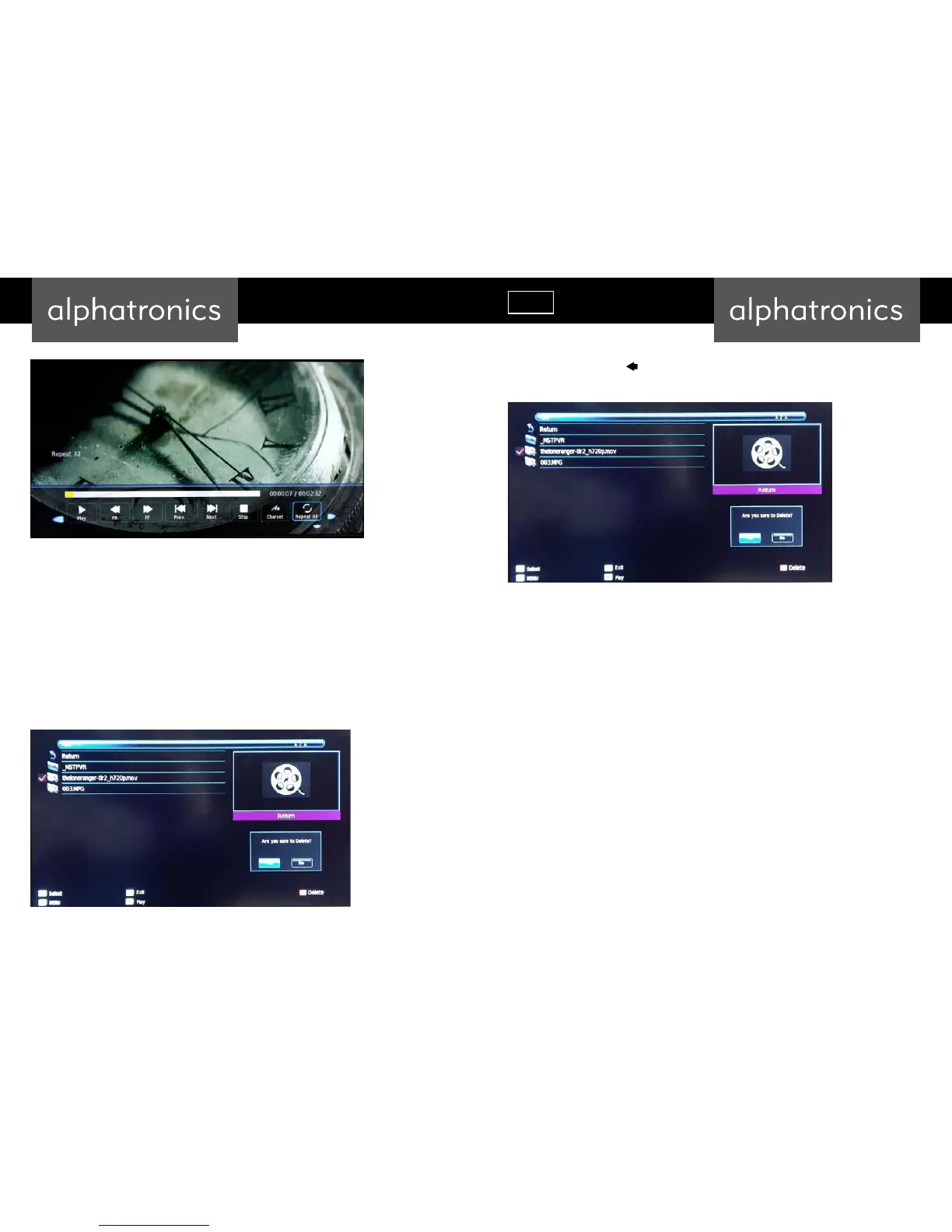
On the bar displayed on the bottom you can select various functions similar as you will find
them operating a VCR: in addition to classic functions like „fast forward “, “fast backward”, you
also find functions like “repeat”, “Charset” and so on.
To display this bar while recording or playing, you press the yellow button on the remote
control.
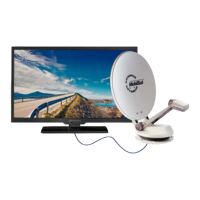
To delete movies, you switch to overview, label them (red tickmarks) and press the red button
on the remote control.
To reconfirm you move the button to yes and confirm with enter.
The selected movies will be deleted from the USB stick.
The same operation applies for photos and music.



 To Next Page